Create contact
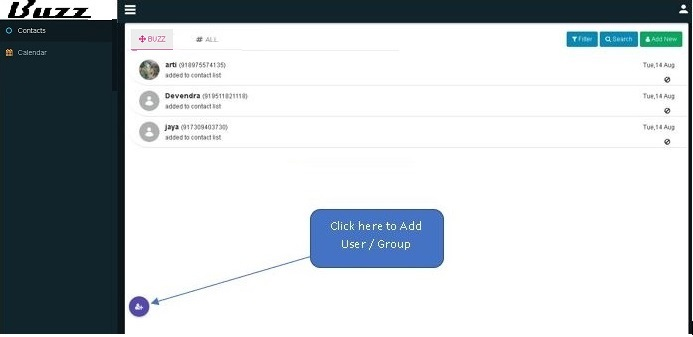
Click on ‘Add Contact / Group’ icon to create group or contact.
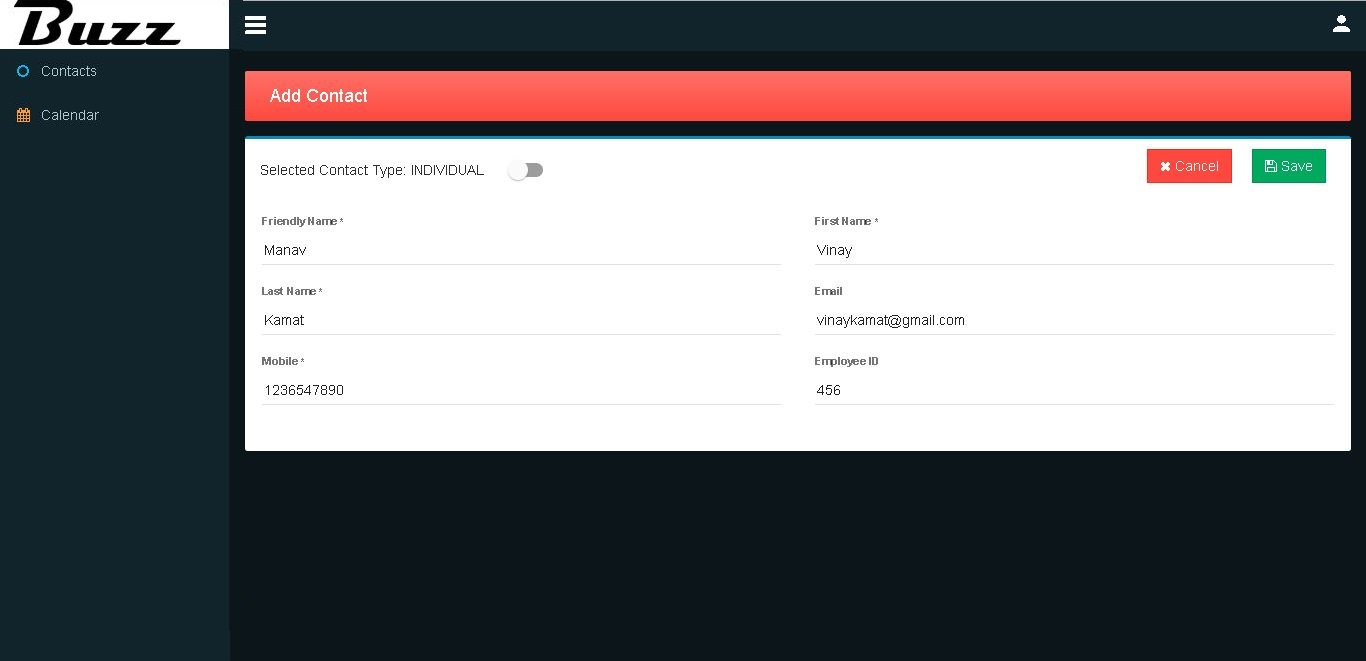
Fill in relevant information about contact.
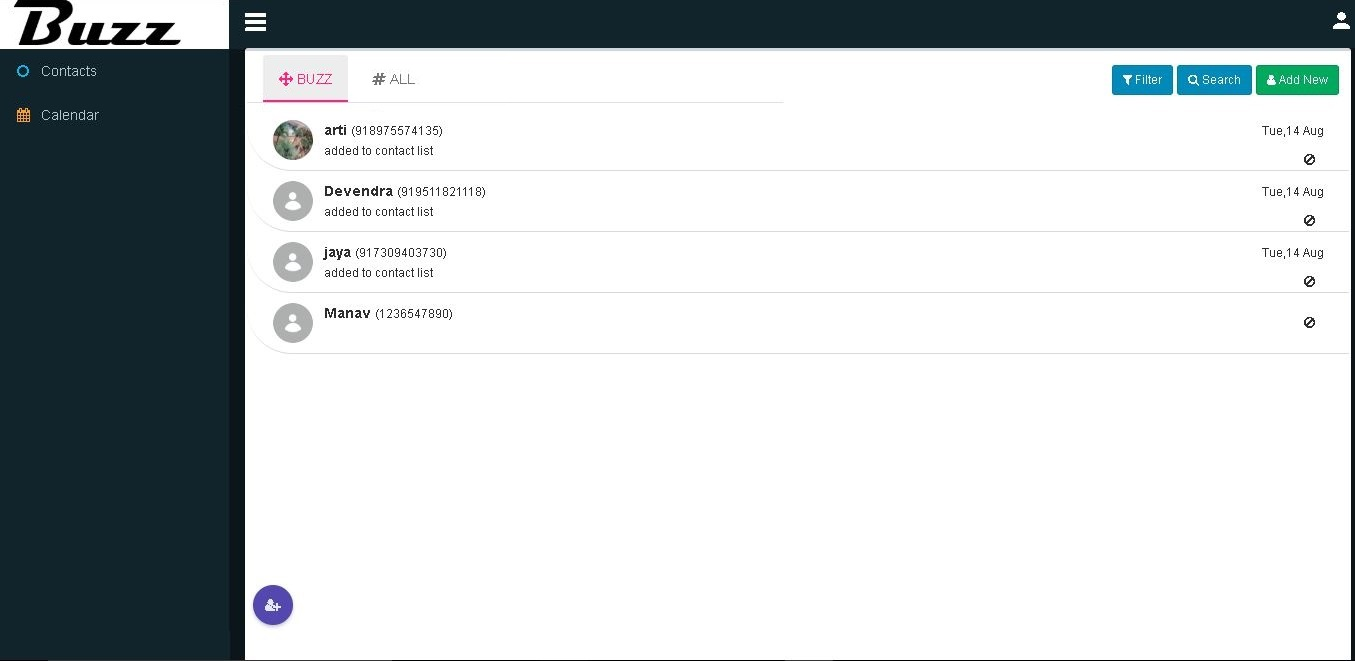
Contact is created.
Create Group
Select contact type as group and fill in relevant information
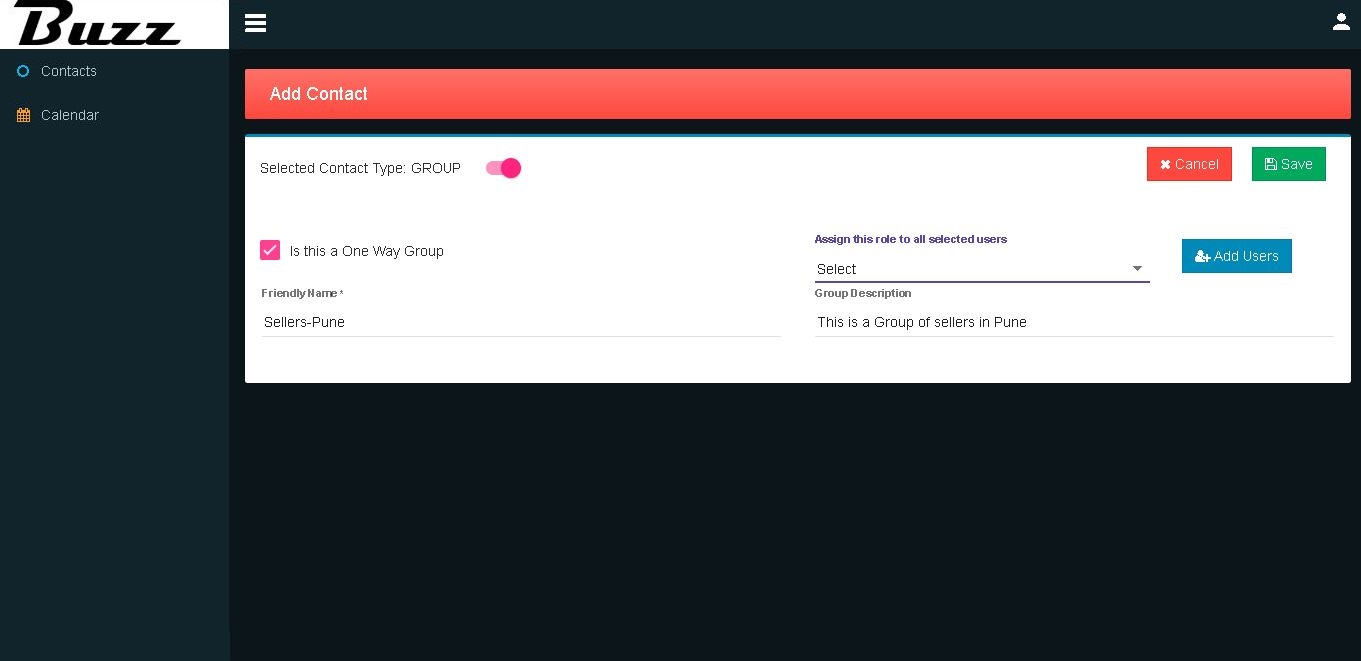
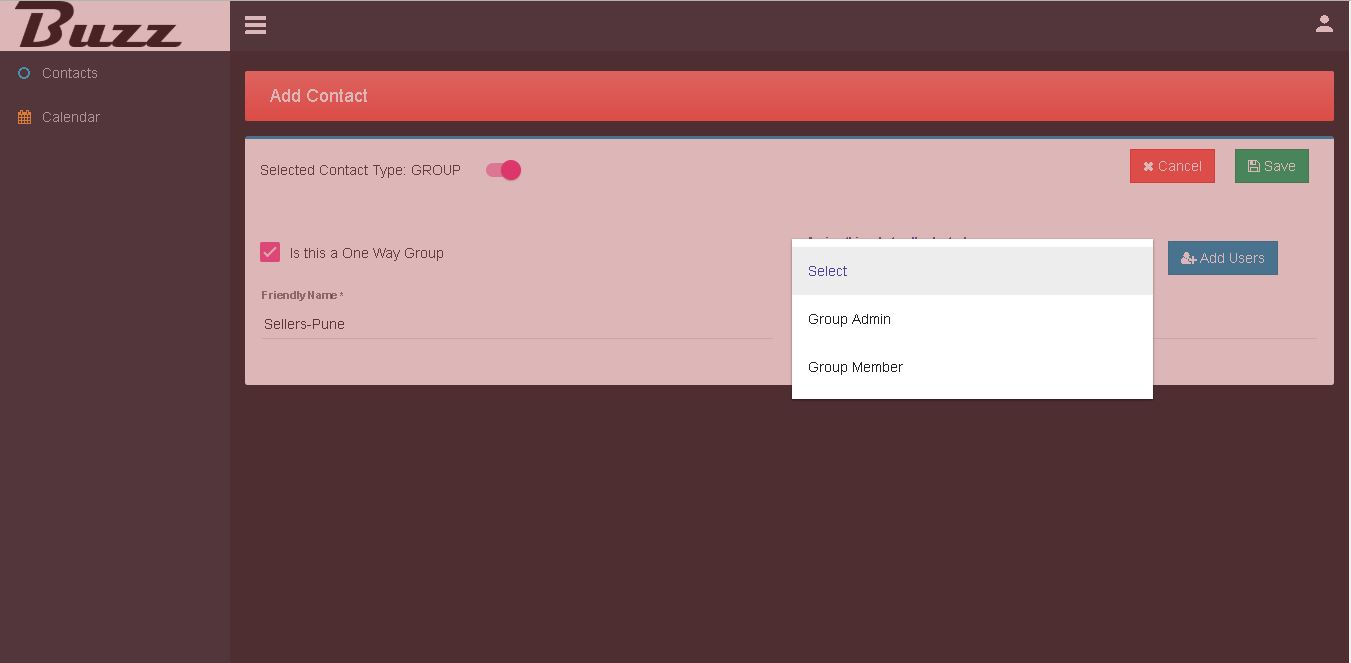
Click on ‘Assign this role to all selected users’ and select role then click on ‘Add Users’ button to add the users.
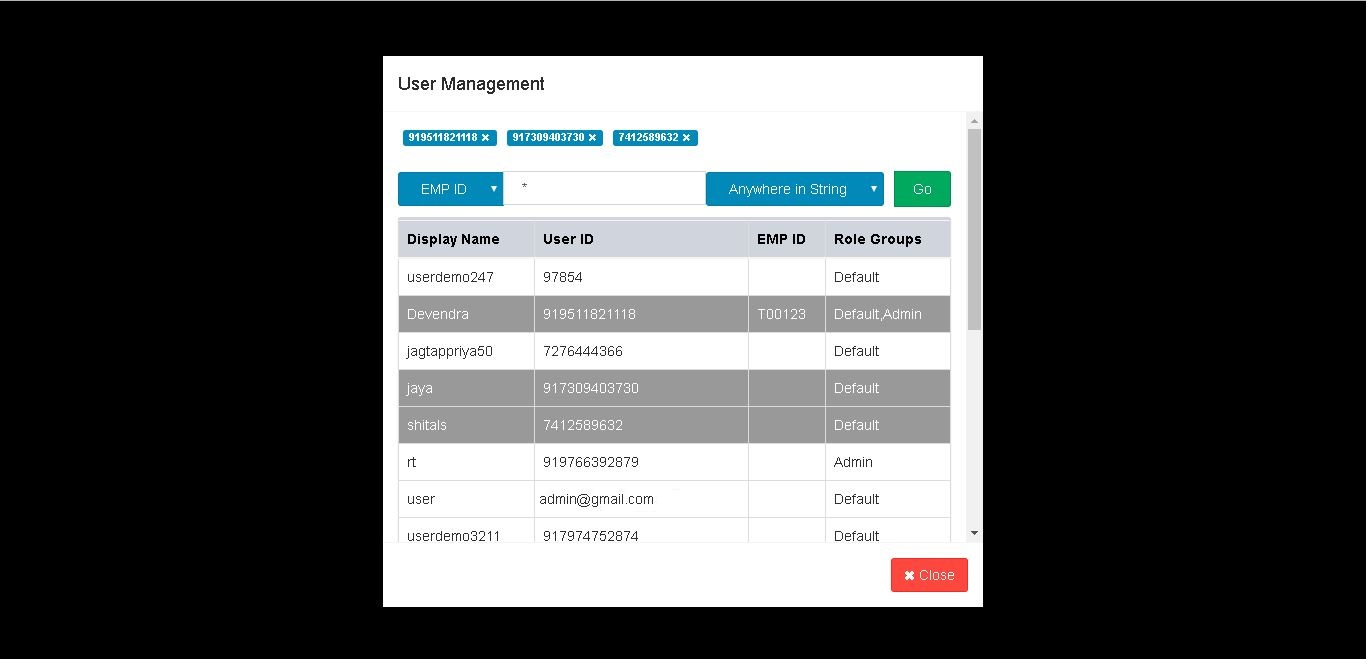
We can search a desired users here then select the users.
Group created.
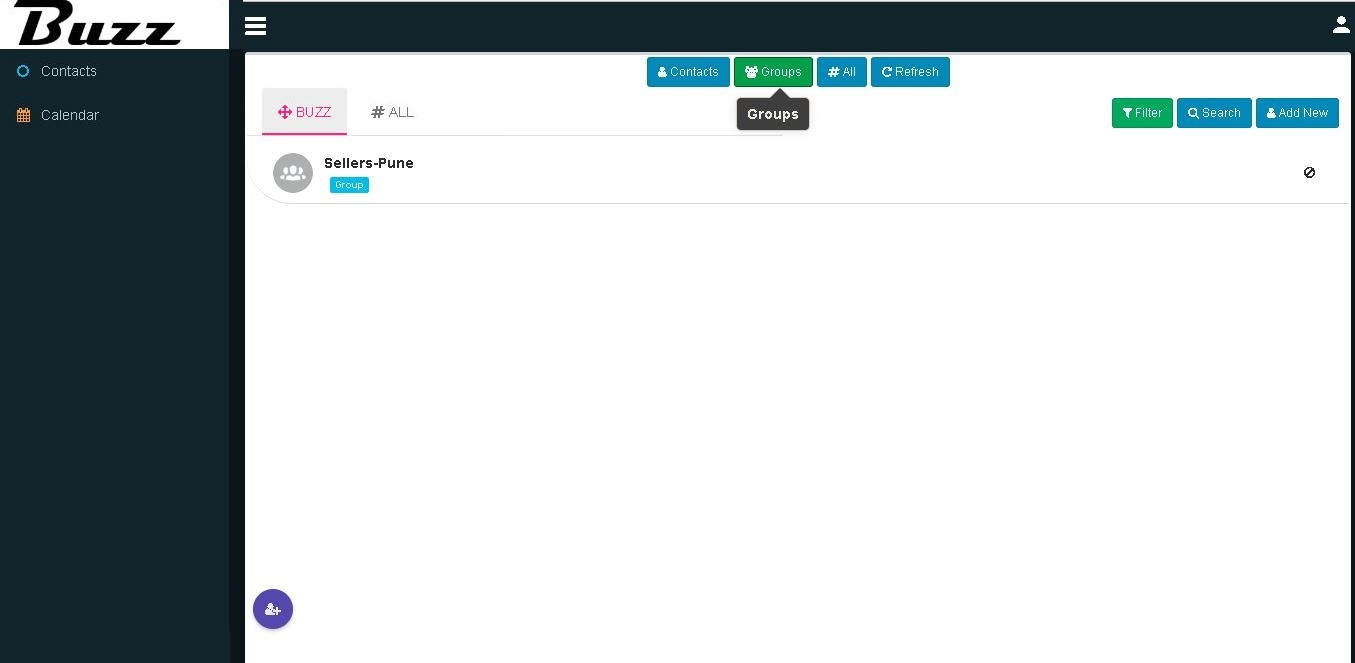
Click on group will load all chats on group.
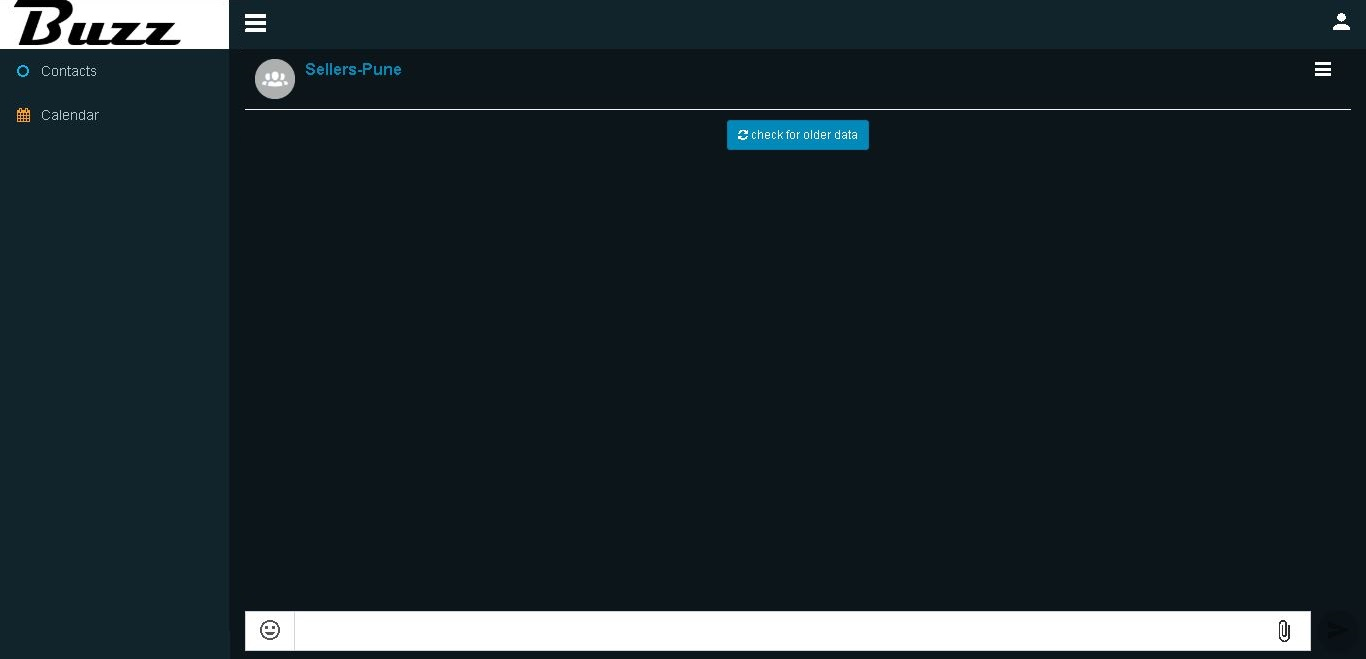
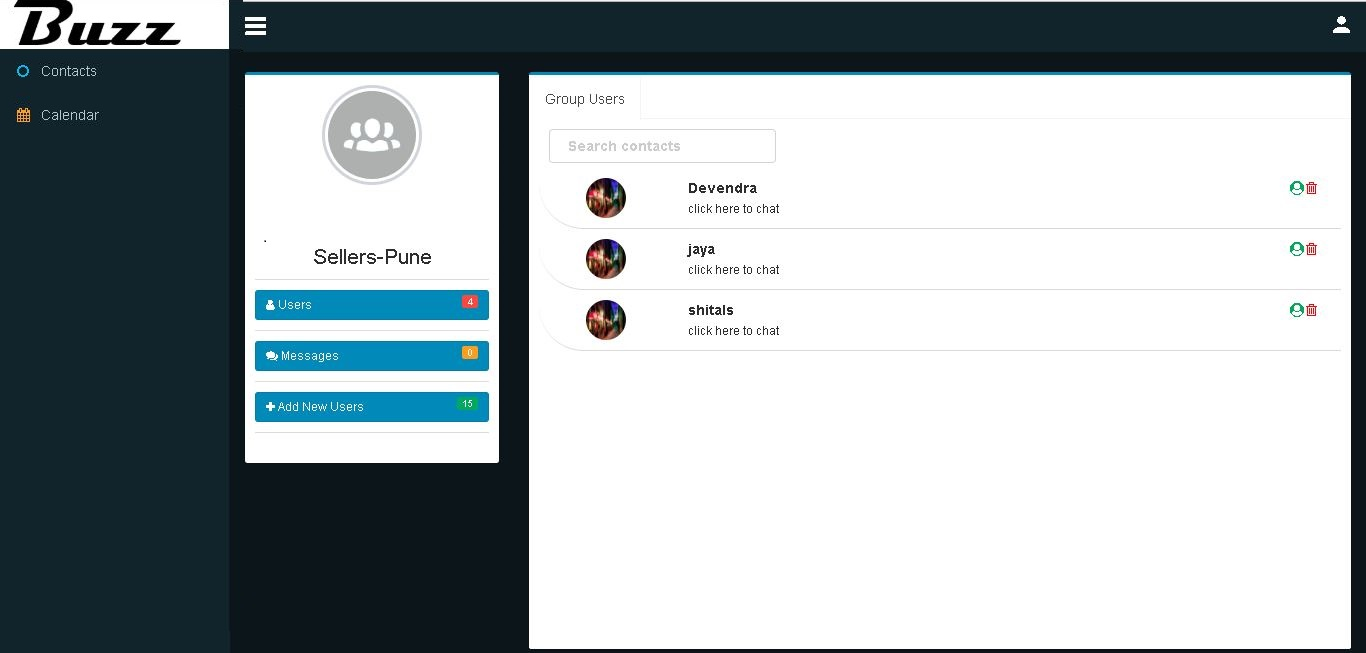
Click on group name to see all group details.