LAM
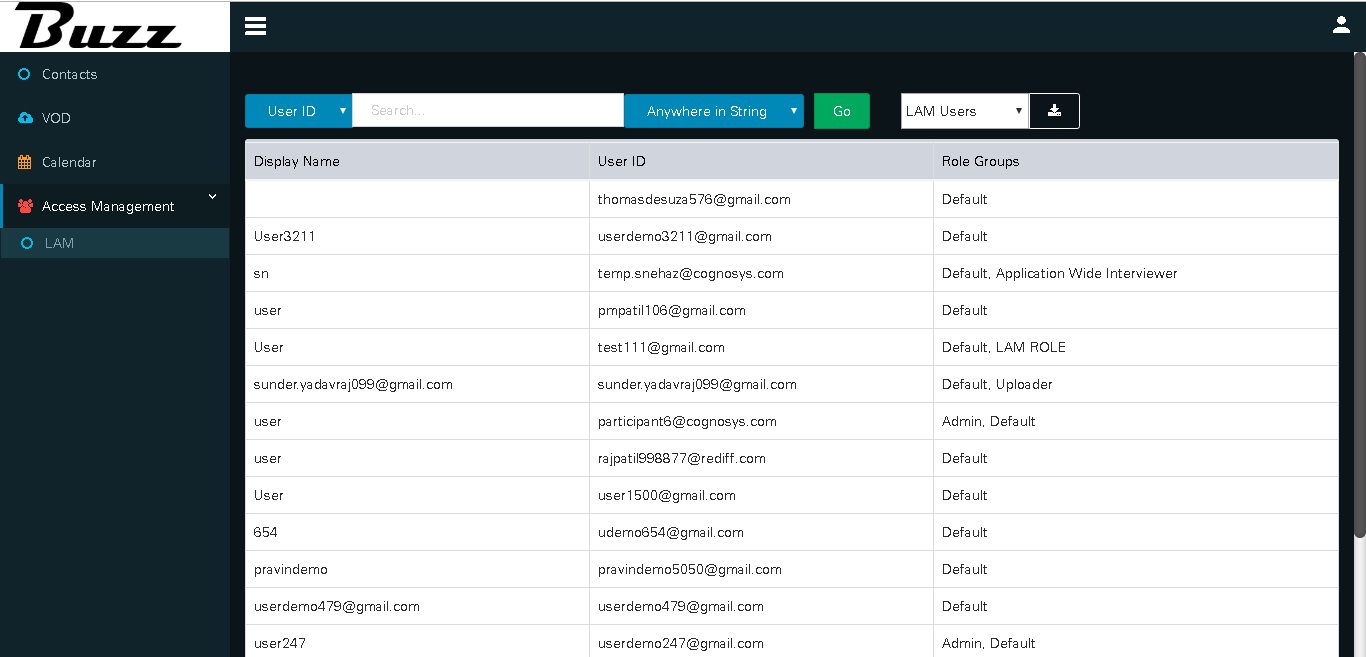
After clicking on LAM, Application opens users page which are added in there account
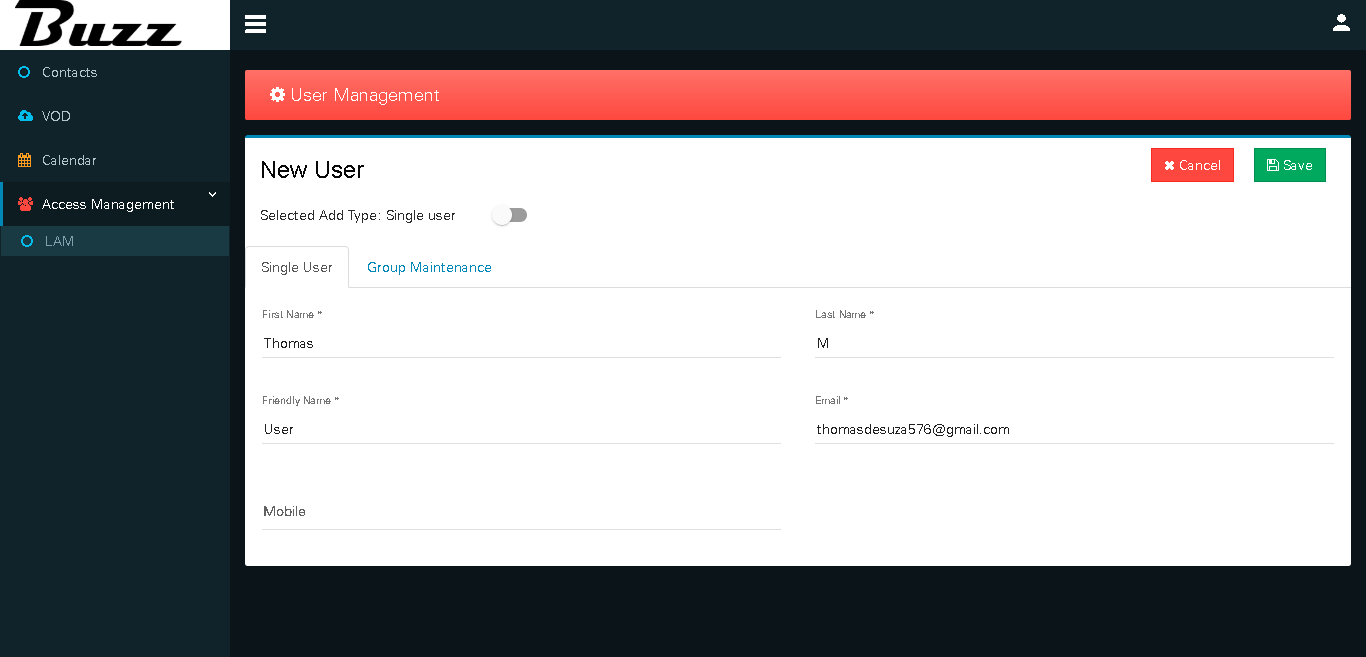
By selecting one user and "Edit", we can gives LAM role to particular user by clicking on "Group Maintenance"
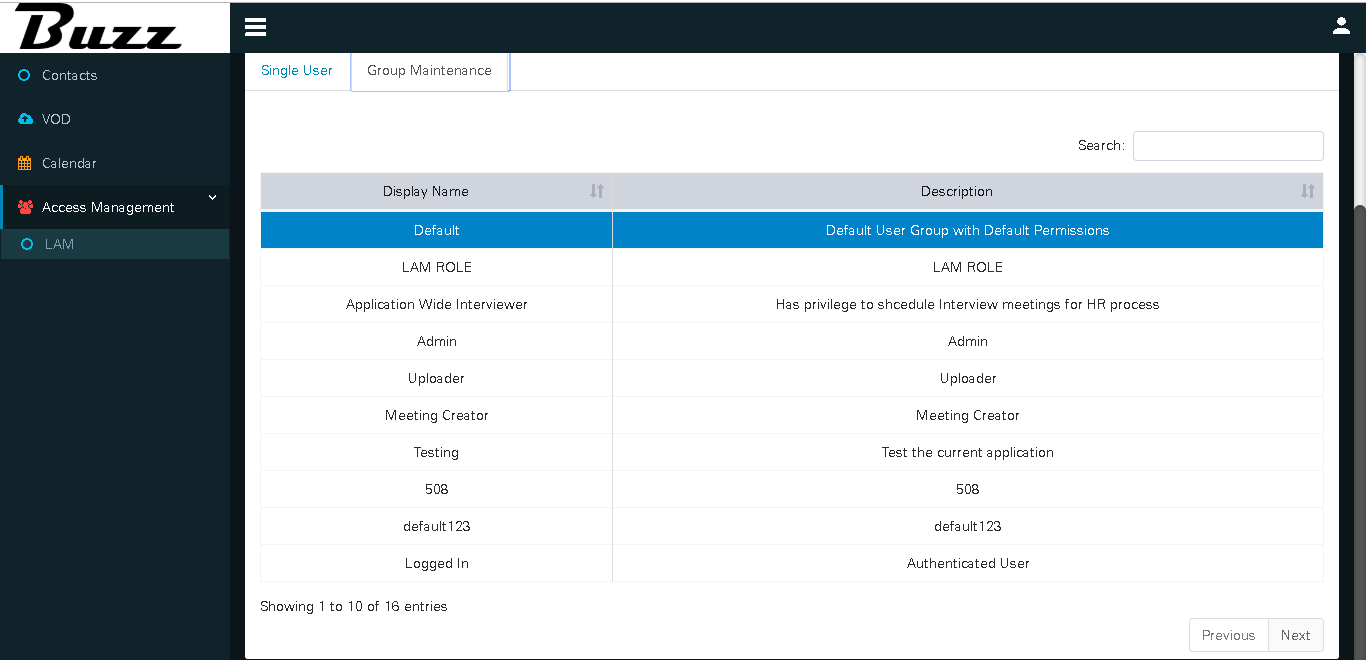
Select Permissions and click on Save button
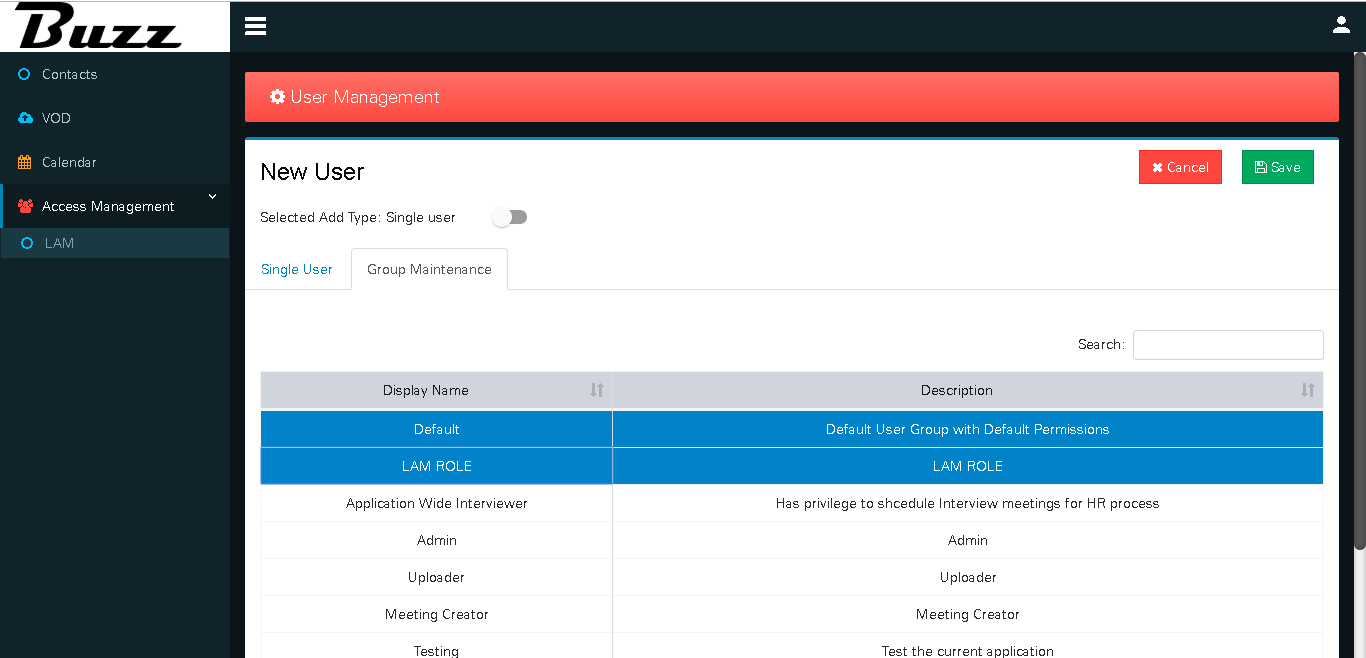
User can select Single User tab also and here is user can see bulk media files
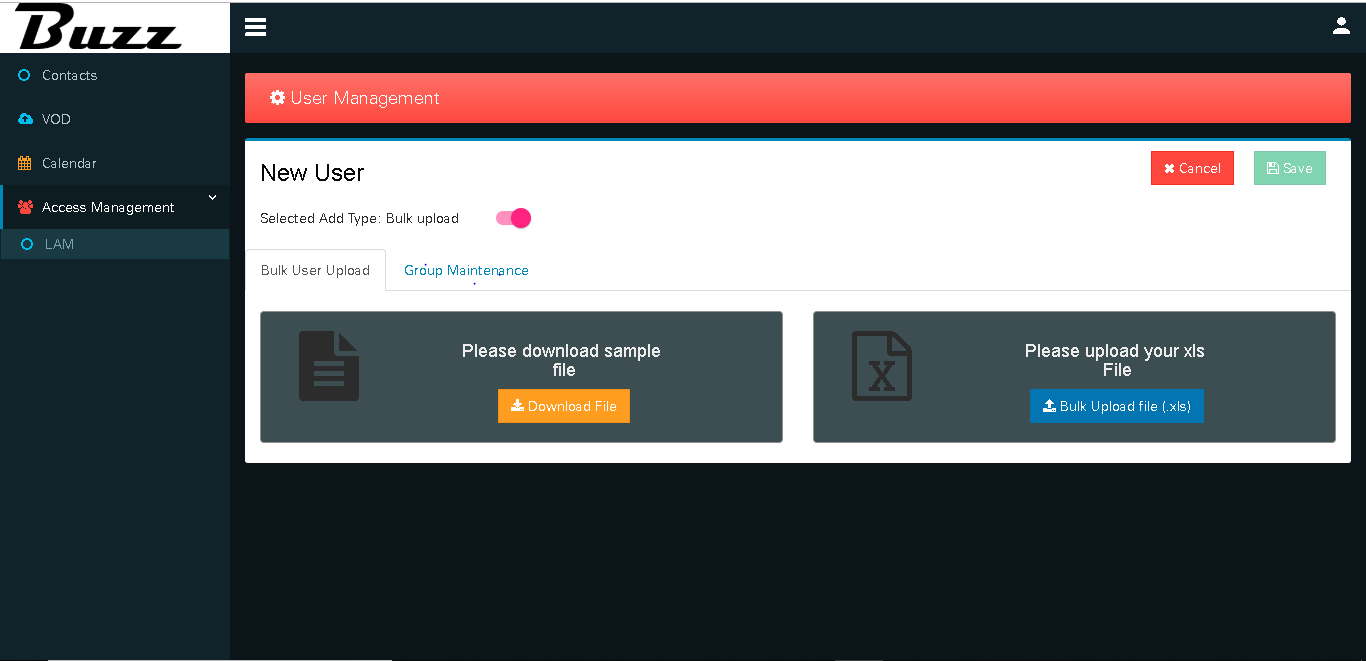
In this tab, user download file for users and update that multiple users with there assign roles and that file of multiple users we can download by clicking on "Bulk Upload File"
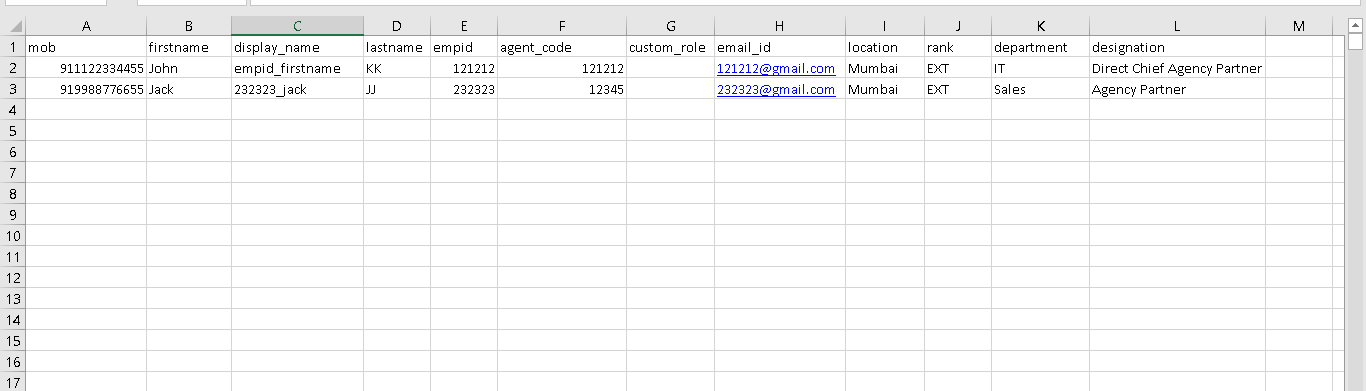
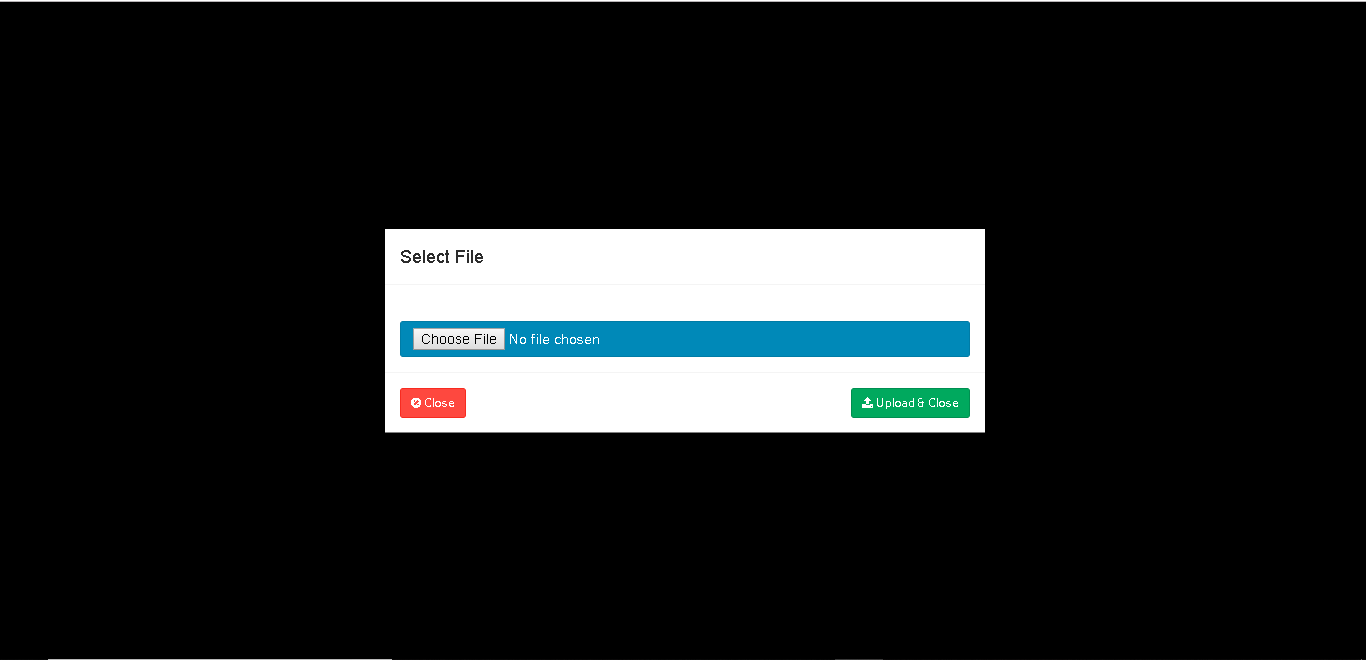
User can upload above file in "Bulk Upload File" by selecting file and click on Save, in this way we can gives all permissions to multiple users at a time.