Create Normal Meeting
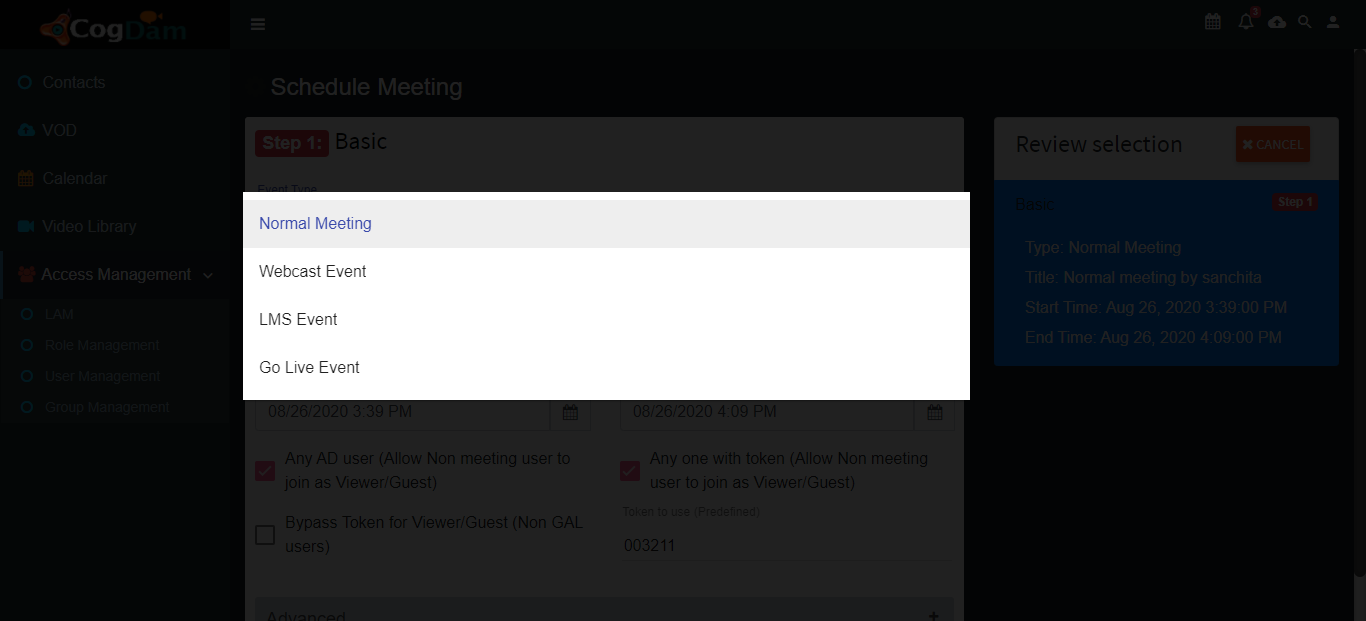
Select event type as a Normal Meeting
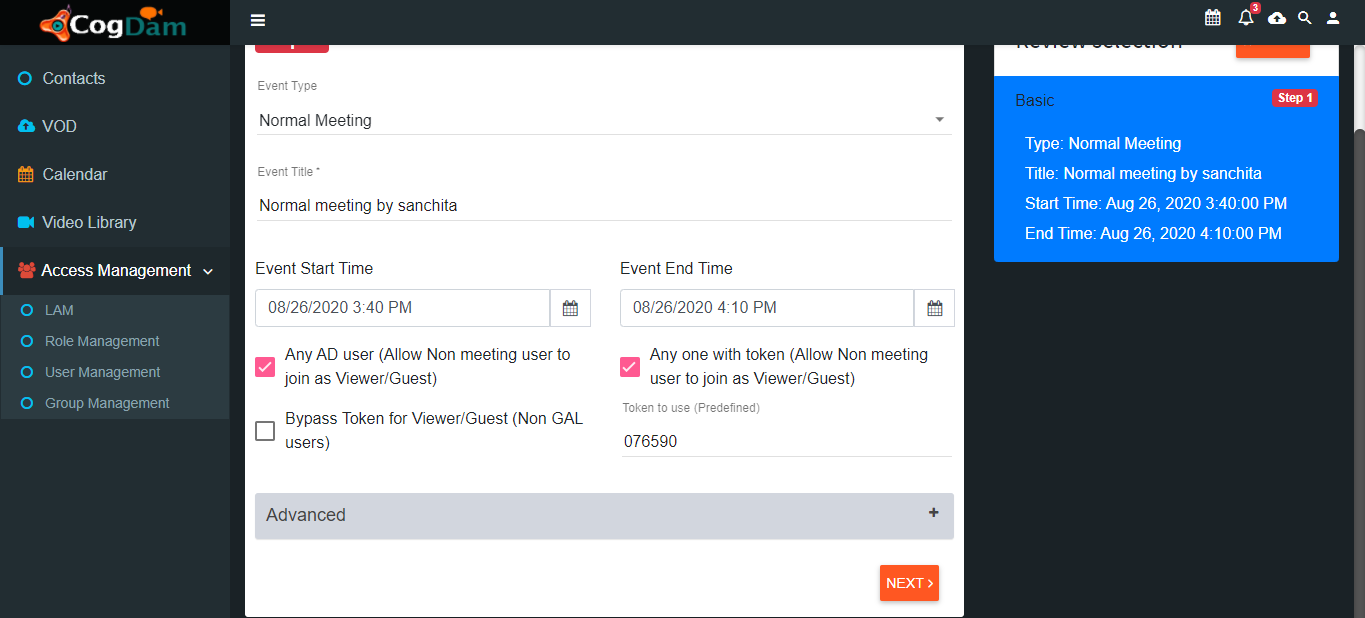
Fill all relevant information and click on Next button
Click on choose role to add users drop-down
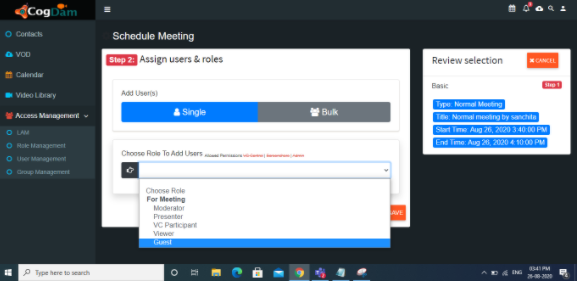
To check Add Invitees for selecting Moderator, Presenter and vc participants role
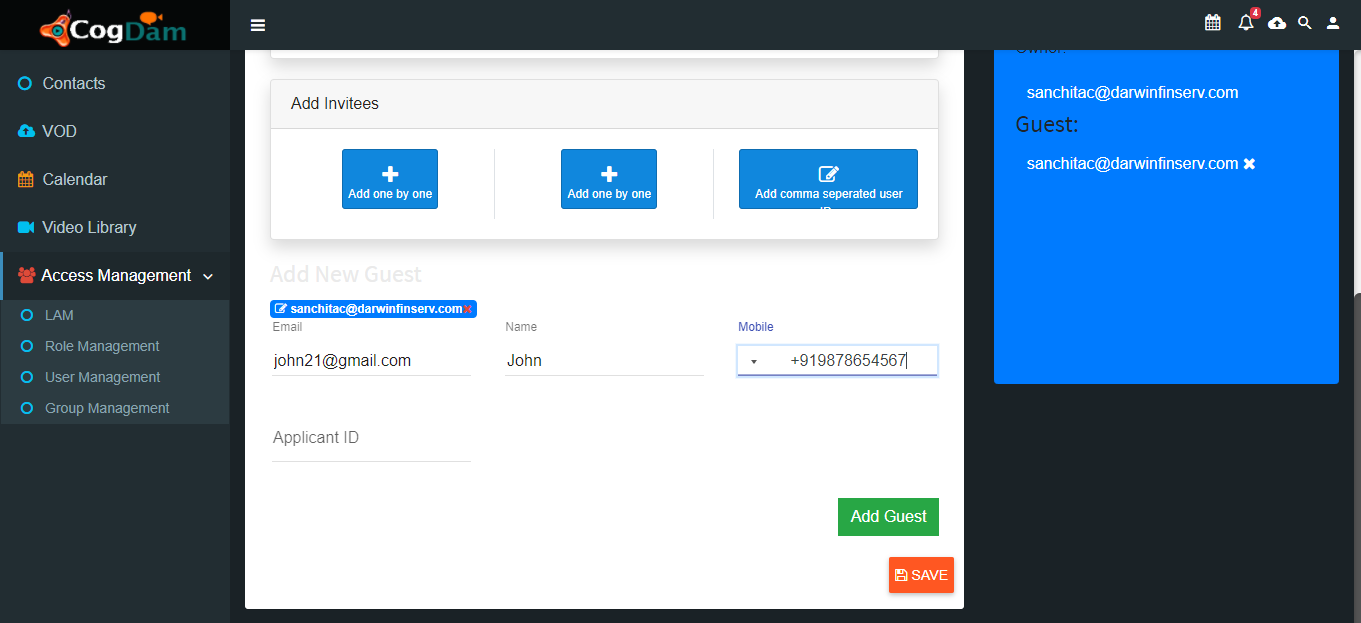
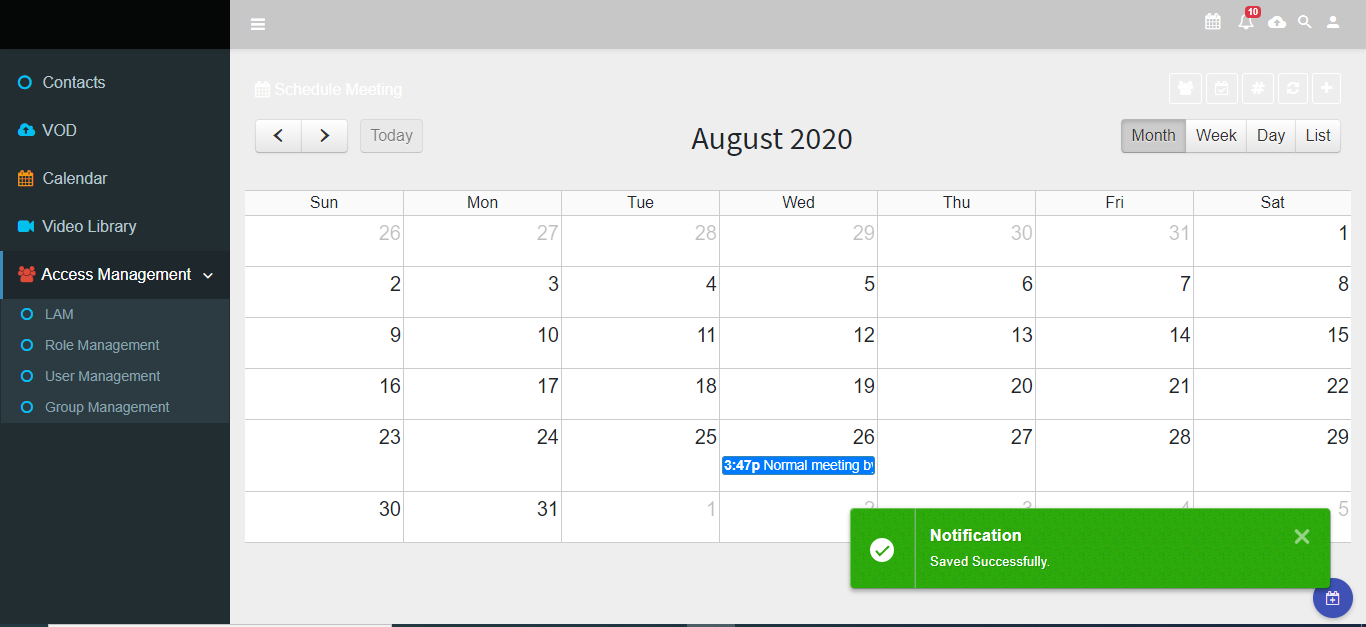
Search exiting users and click on save. Meeting has created and displayed on Calendar as Month, Week, Day, List
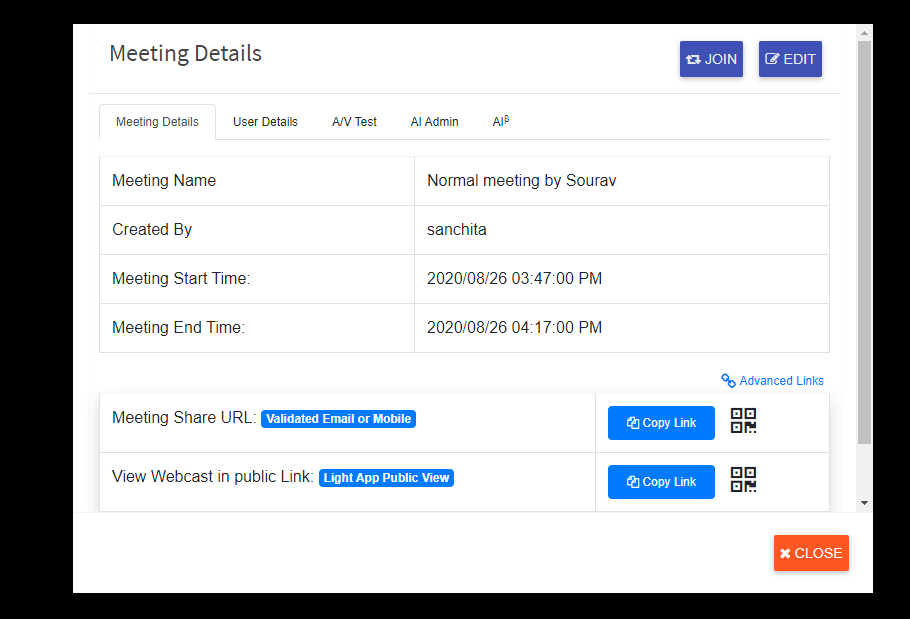
User can join every meetings by clicking on meeting name
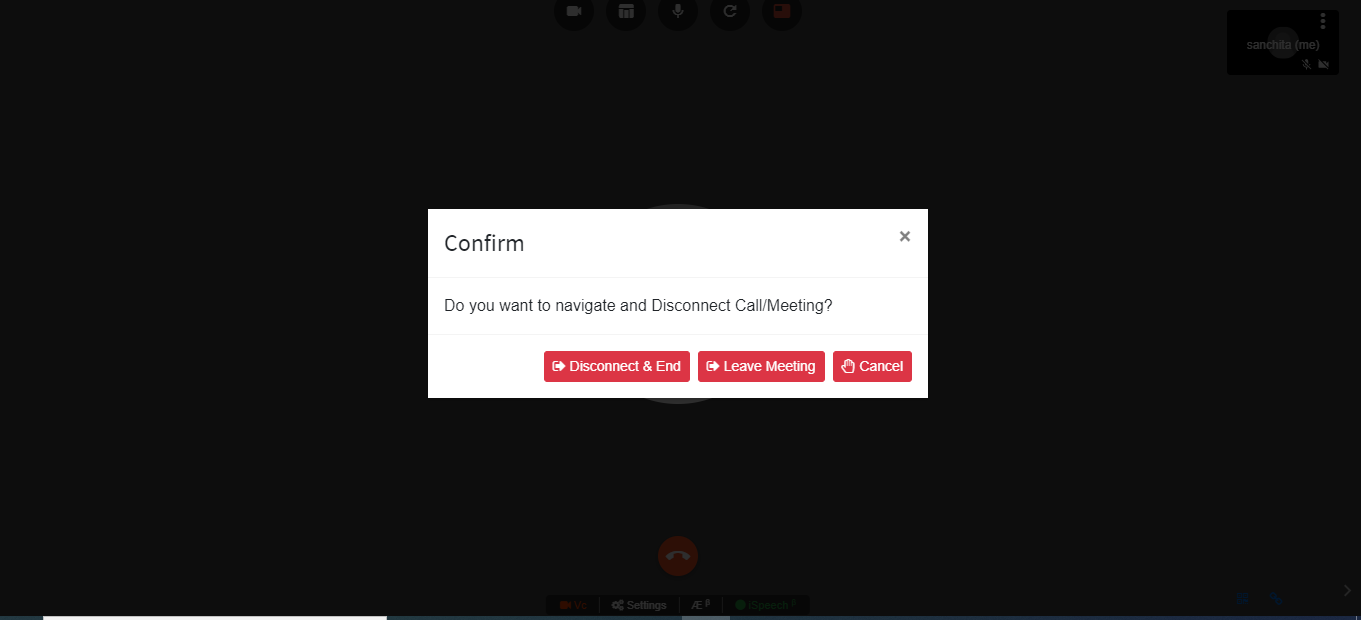
Click on Connect to join meeting and user also can Disconnect meeting by clicking on Disconnect/Exit button
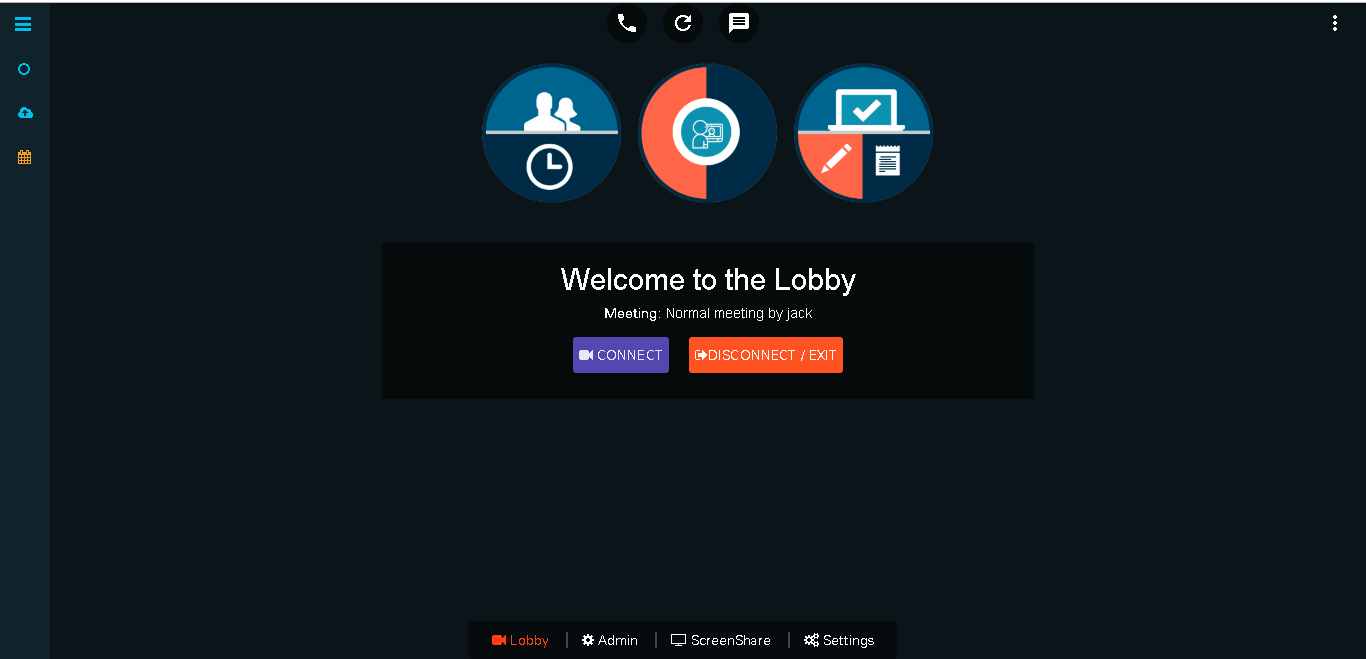
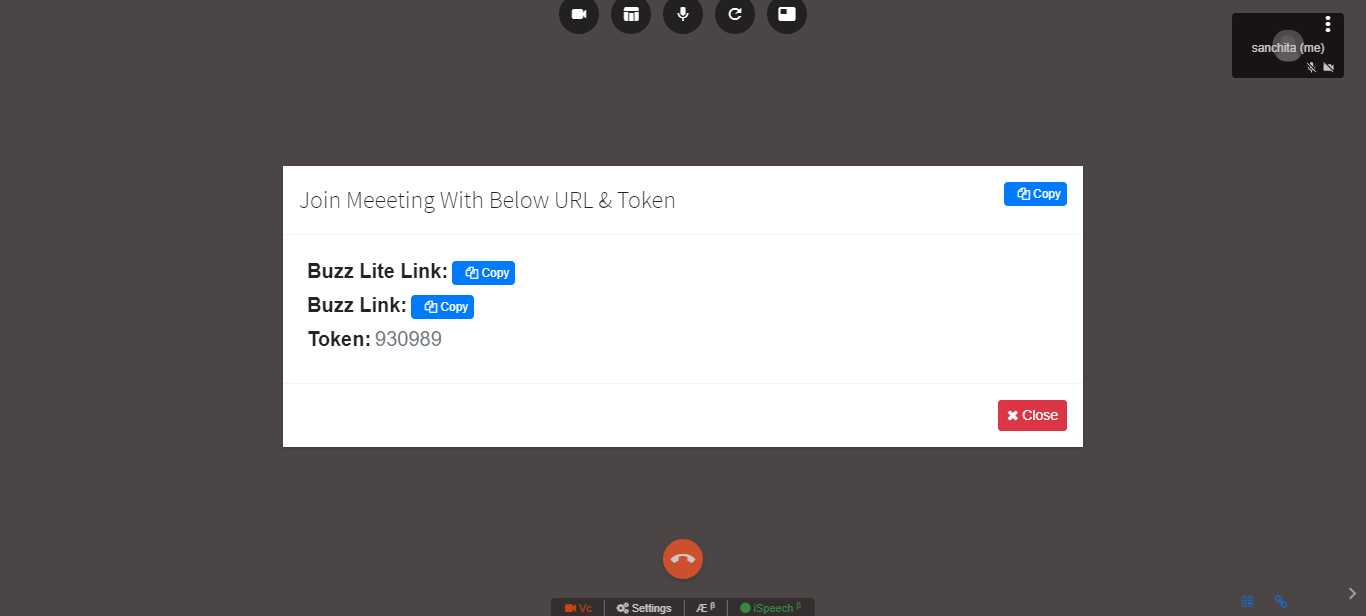
Click on connect and meeting get start
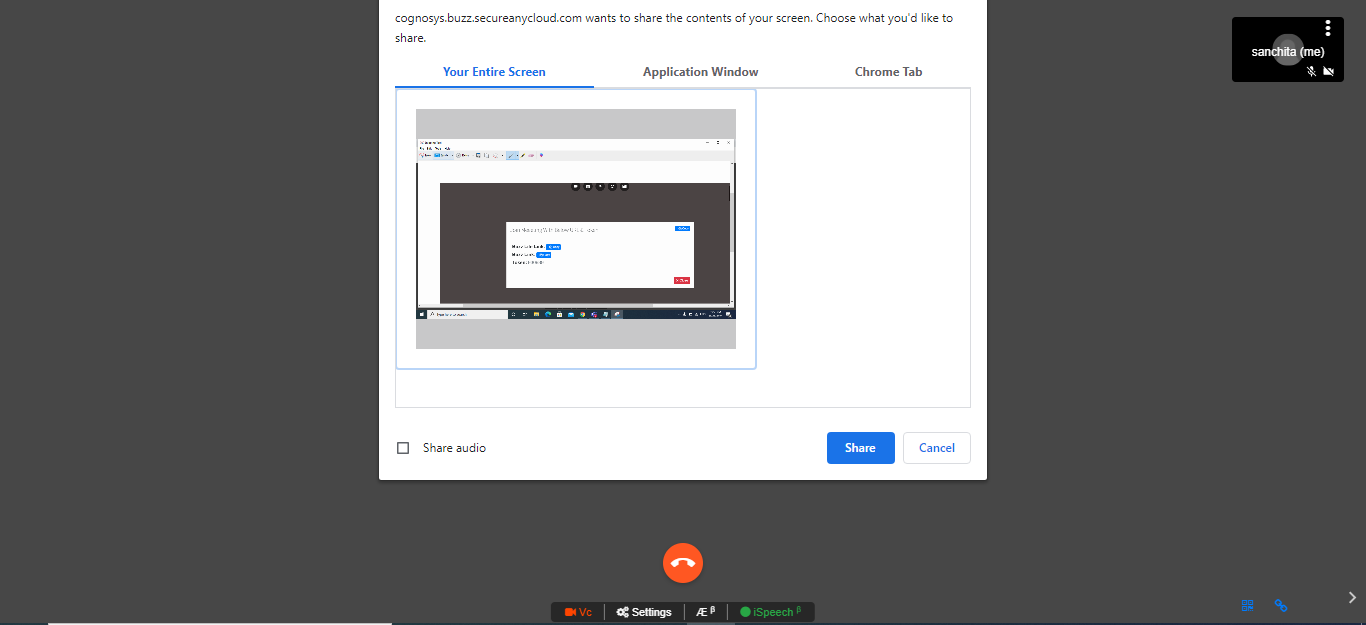
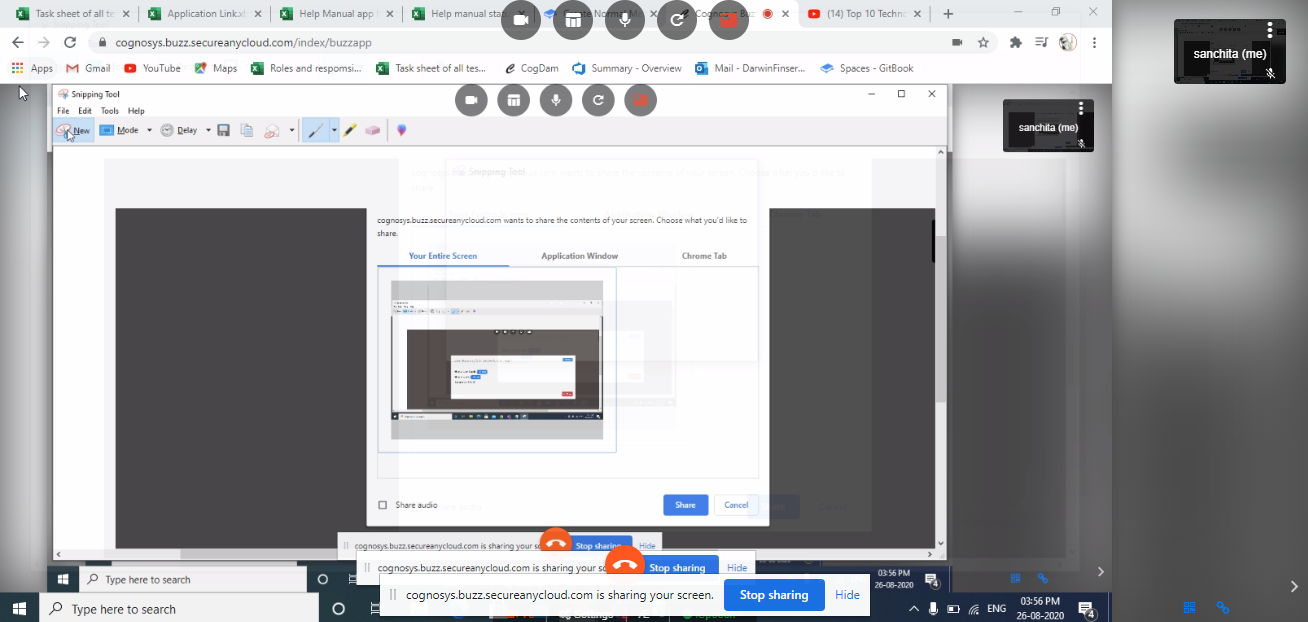
We can screen share during meeting
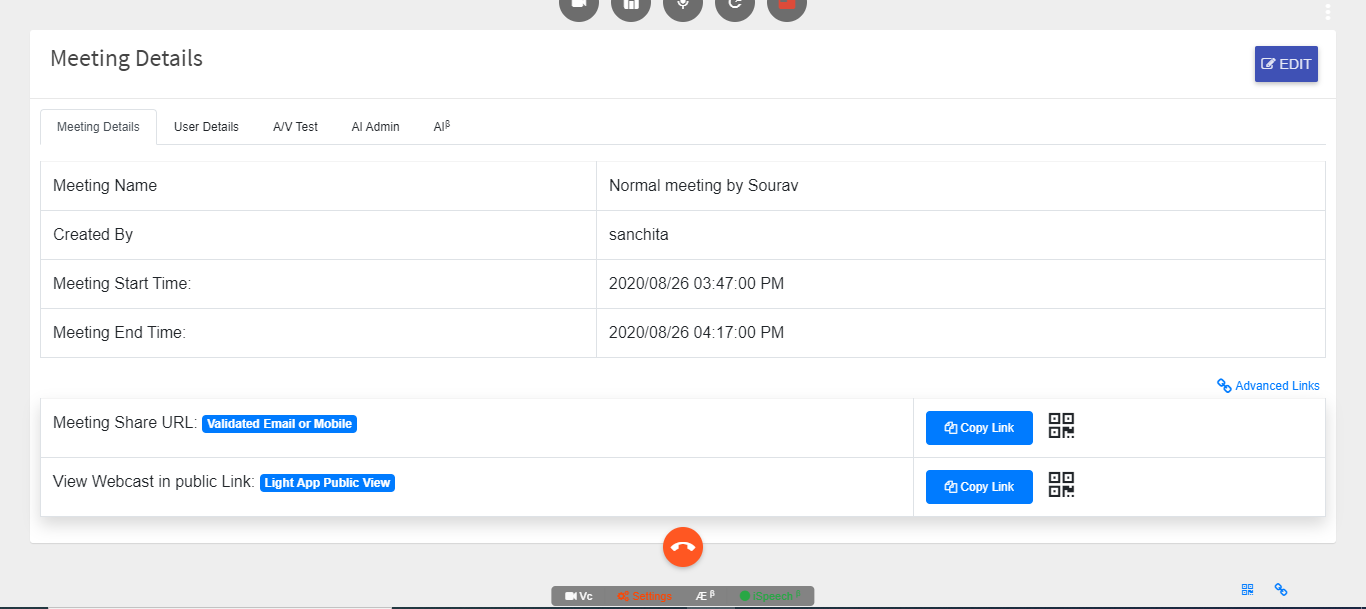
From Setting You Can Edit The Meeting
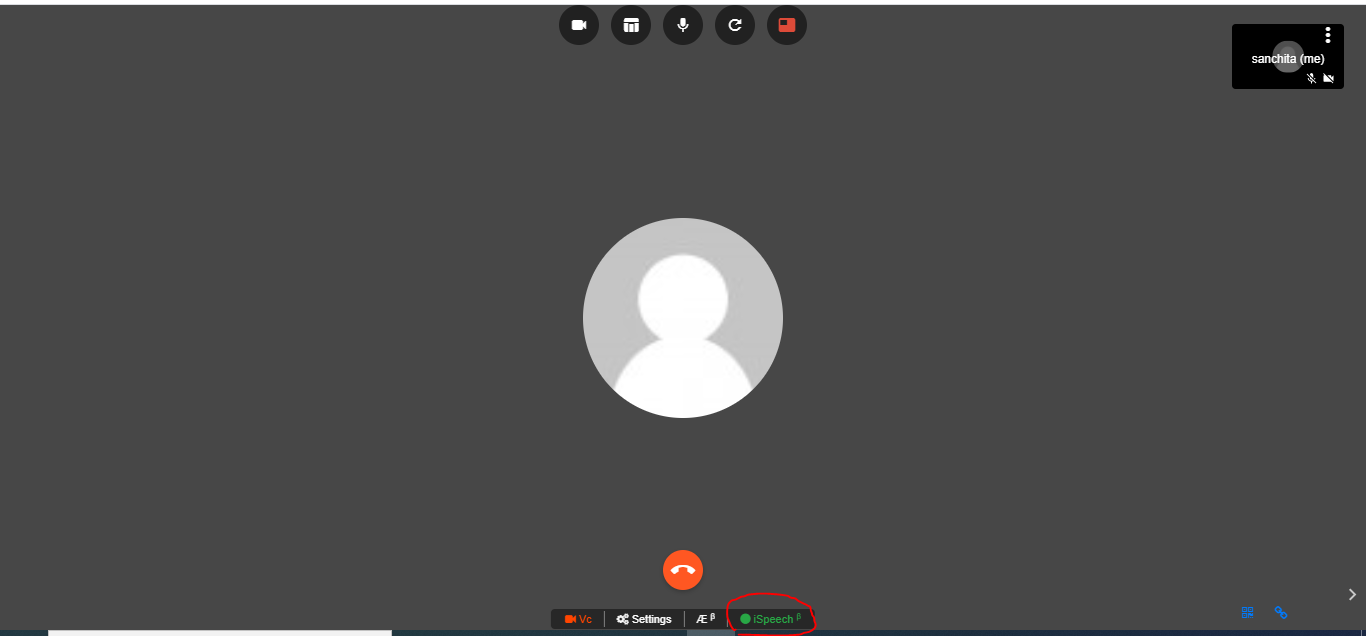
Click On Ispeech and whatever You Speak Will Be Displayed On Messages
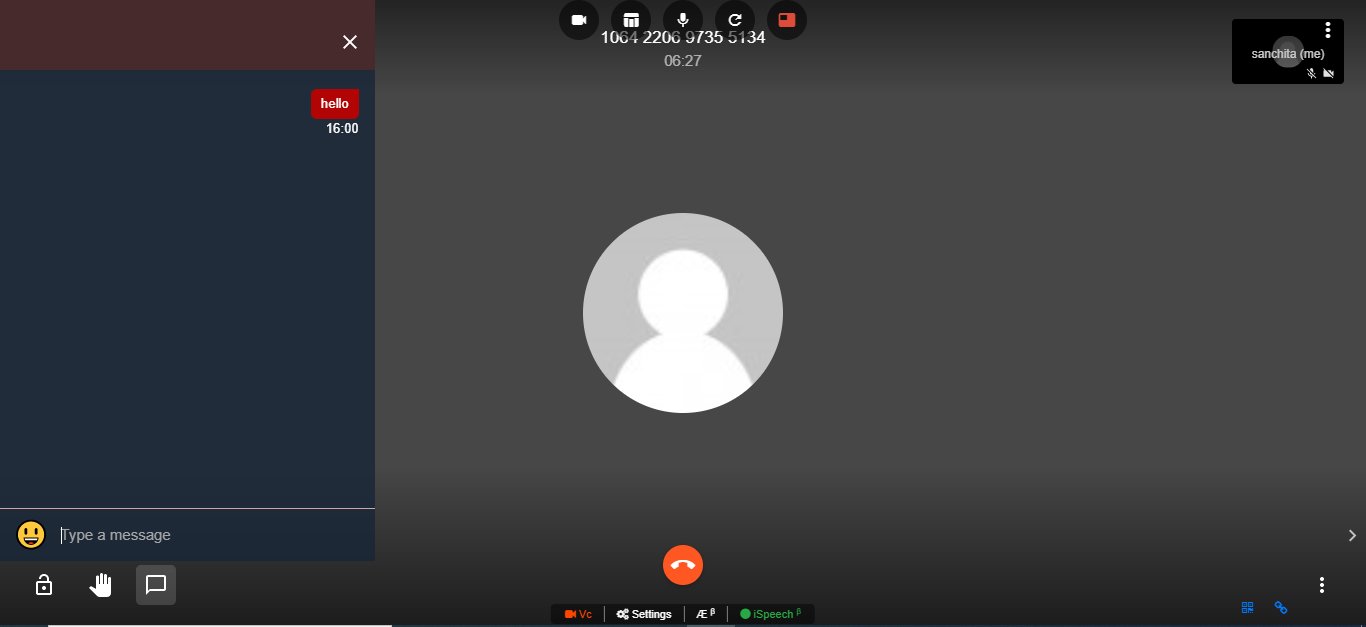
We can Disconnect meeting by clicking on Disconnect button.