Create LMS Event
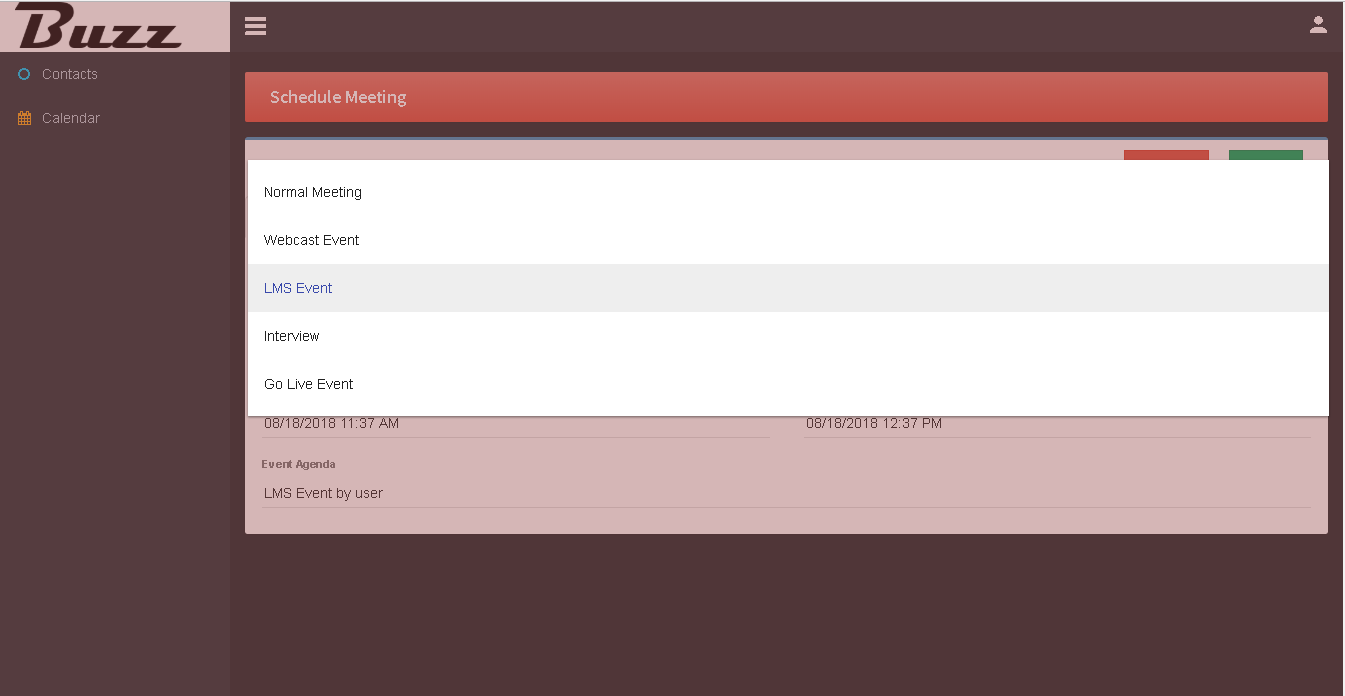
Select event type as a LMS Event.
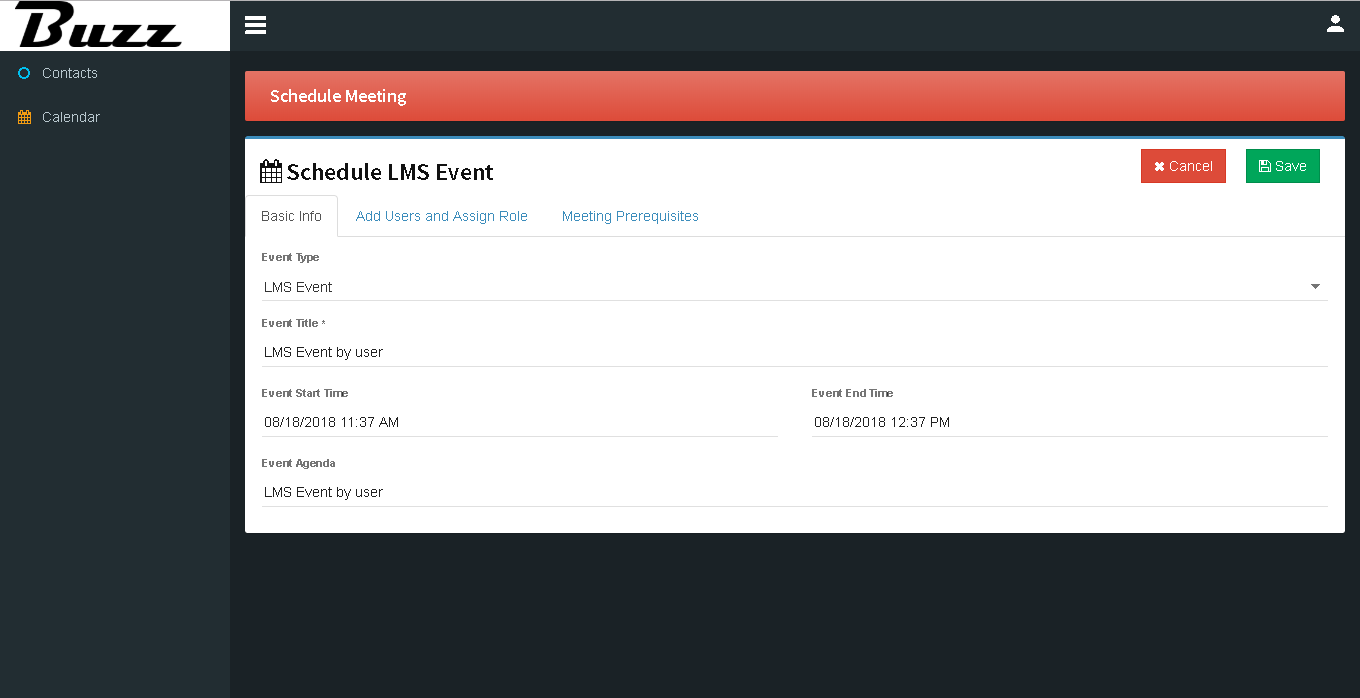
Fill in relevant info about event.
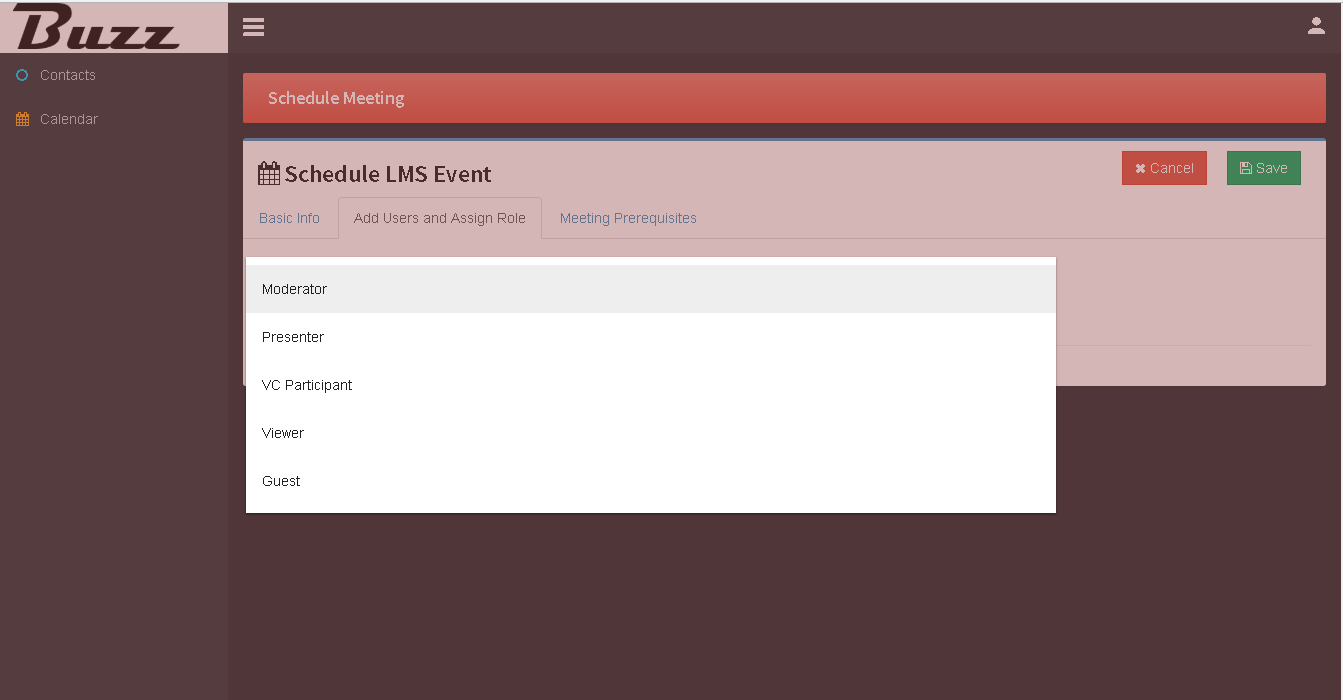
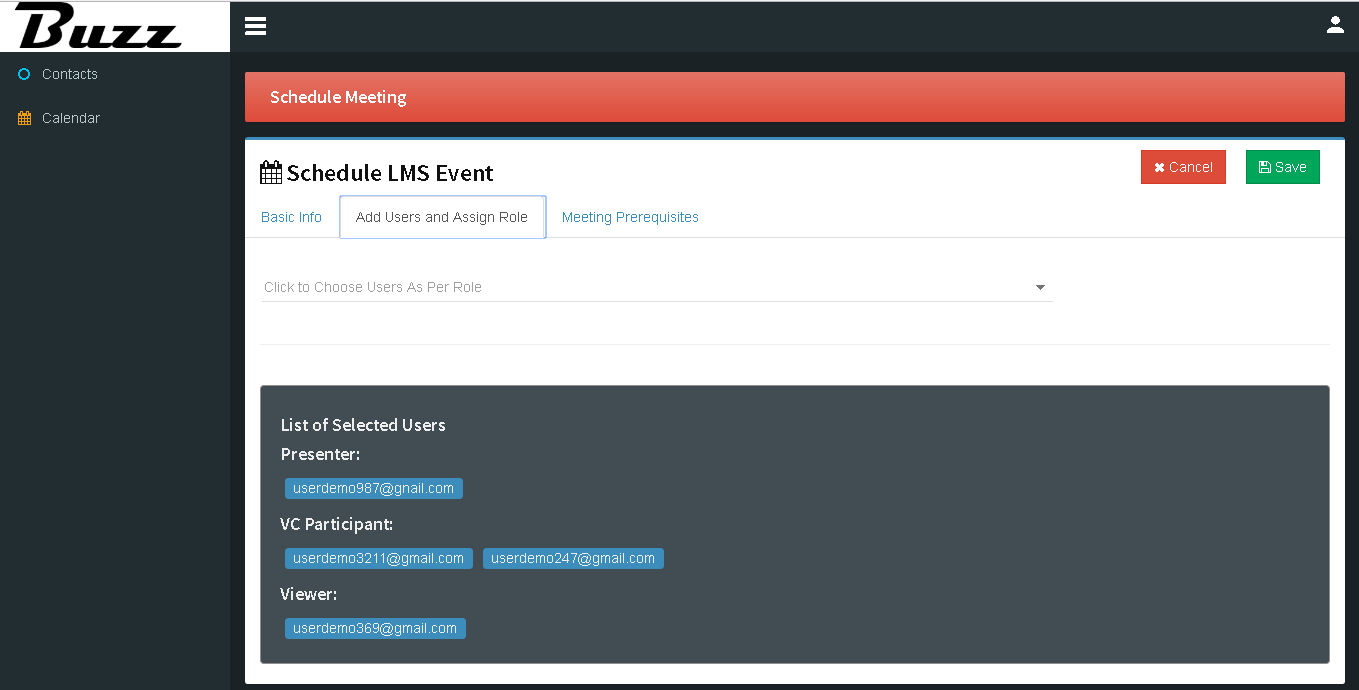
In ‘Add Users and Assign Role’ tab select user role.
Selected users according to role will be display as below.
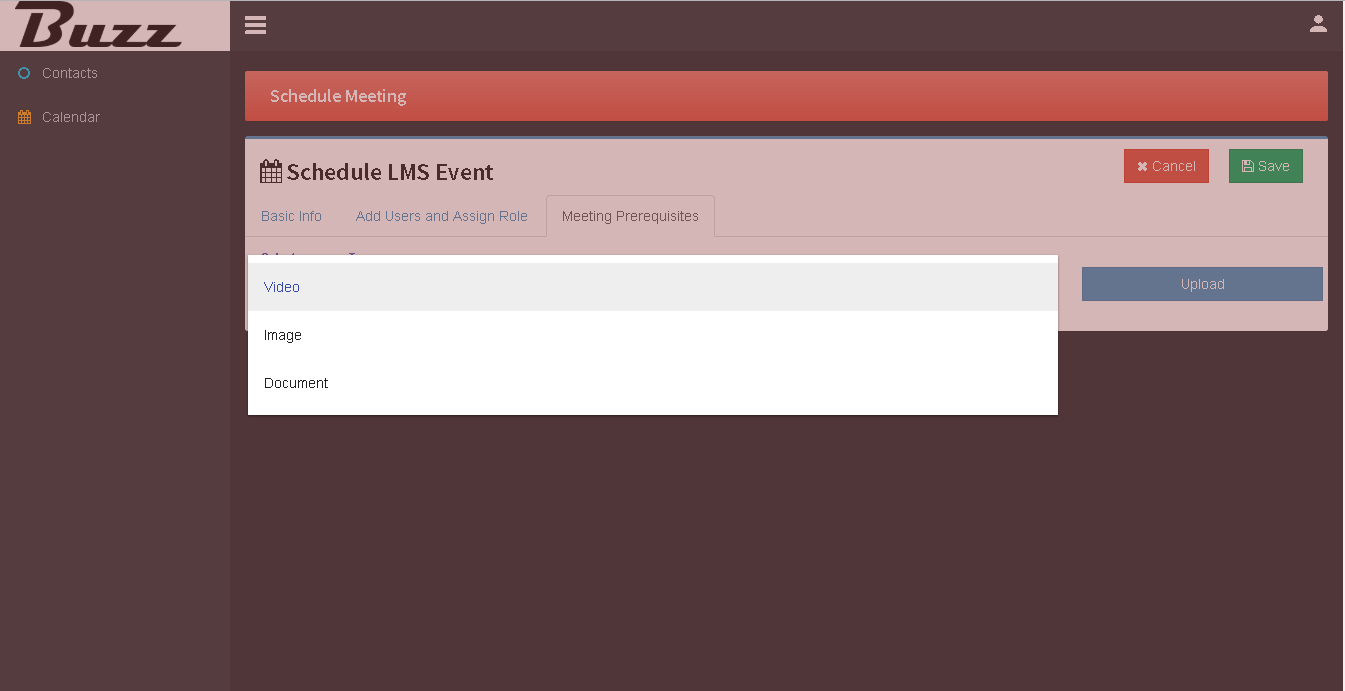
In ‘Meeting Prerequisite’ tab select document type for uploading file.
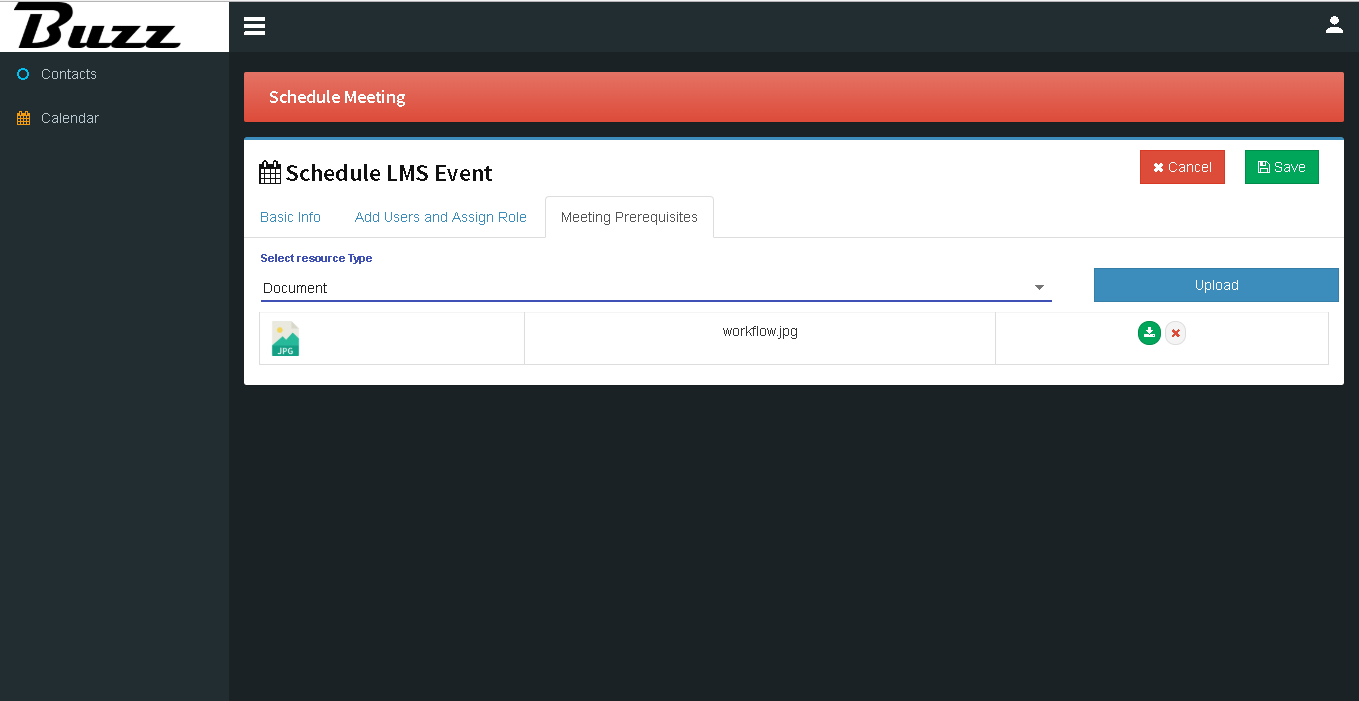
Uploaded file will be shown as below then save the event.
So the Recent created LMS event will be display on calendar.
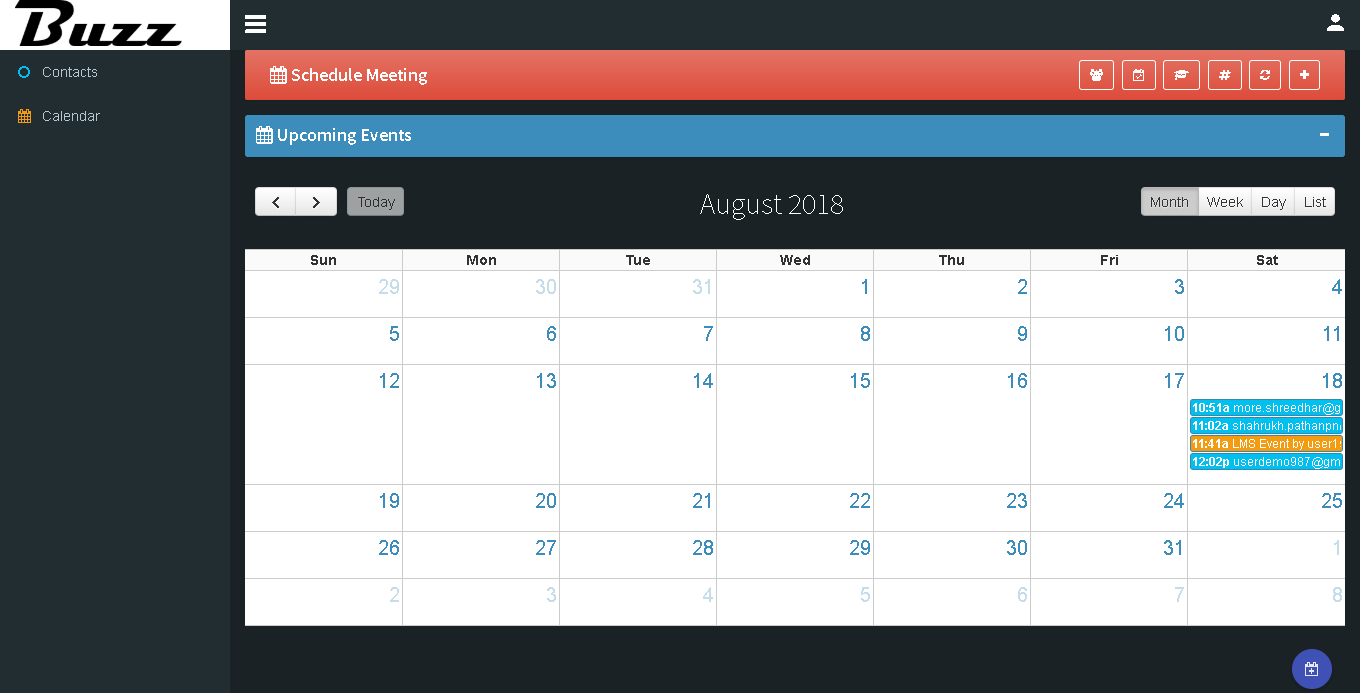
When we click on event notification on calendar Meeting details get display.
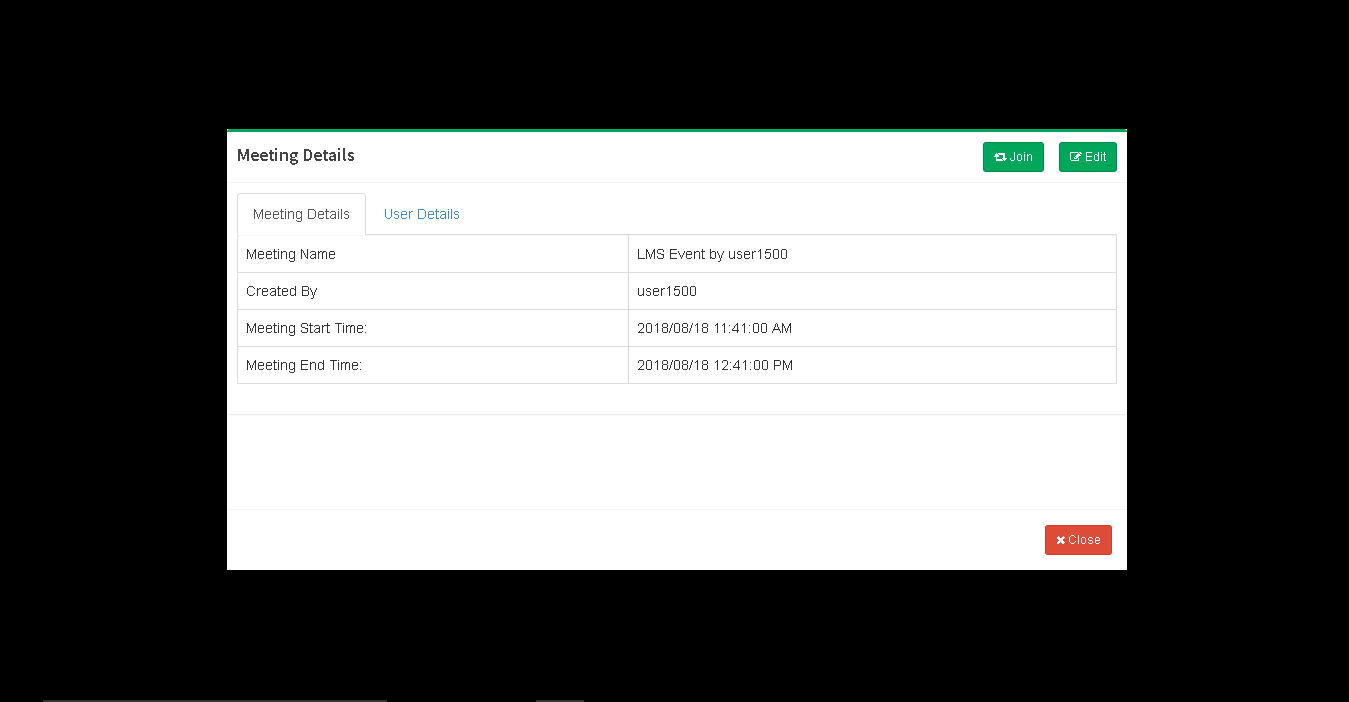
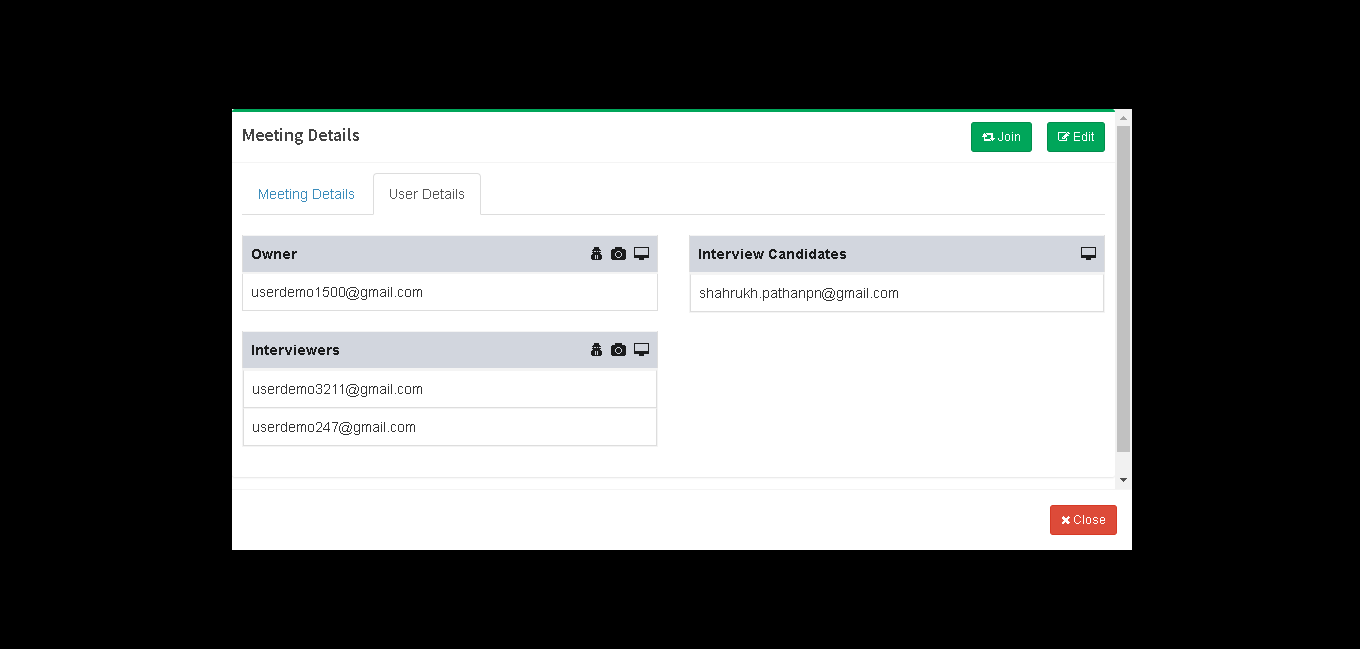
User Details of meeting will be display as below to join meeting click on ‘Join’ button.
To join event click on ‘Join class’.
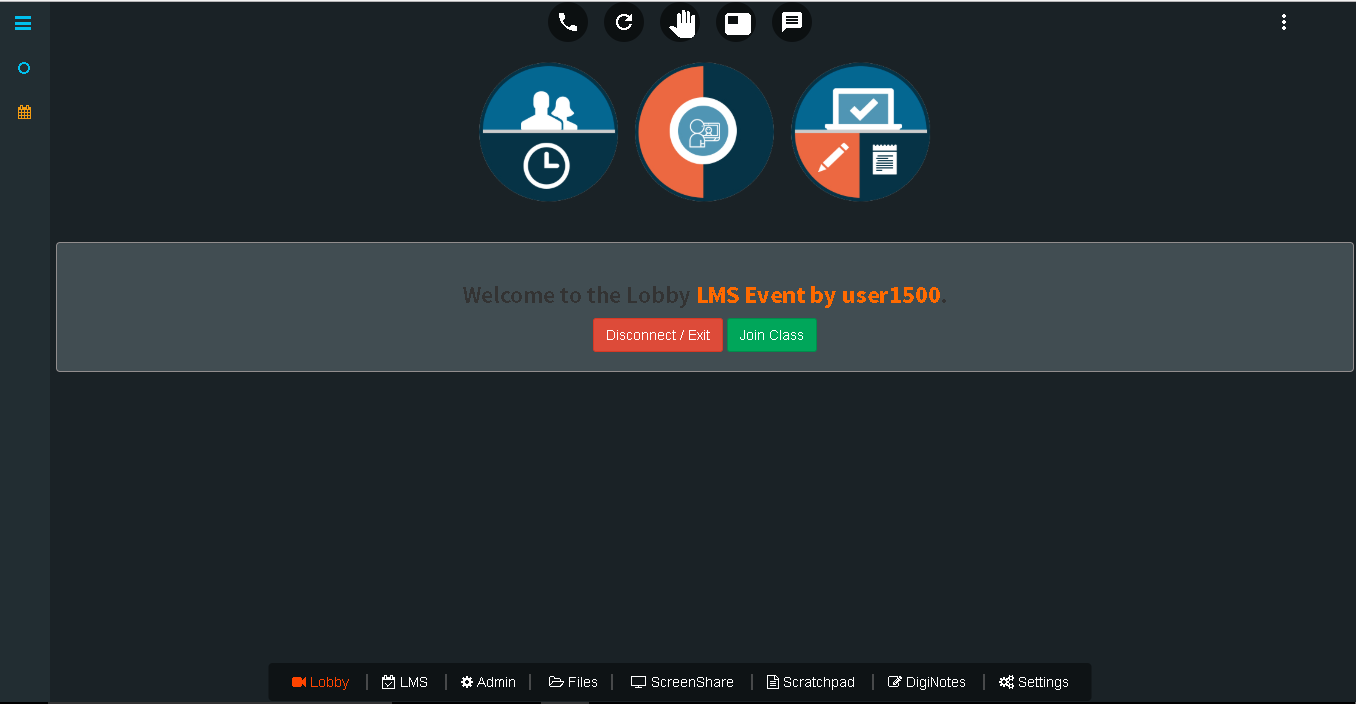
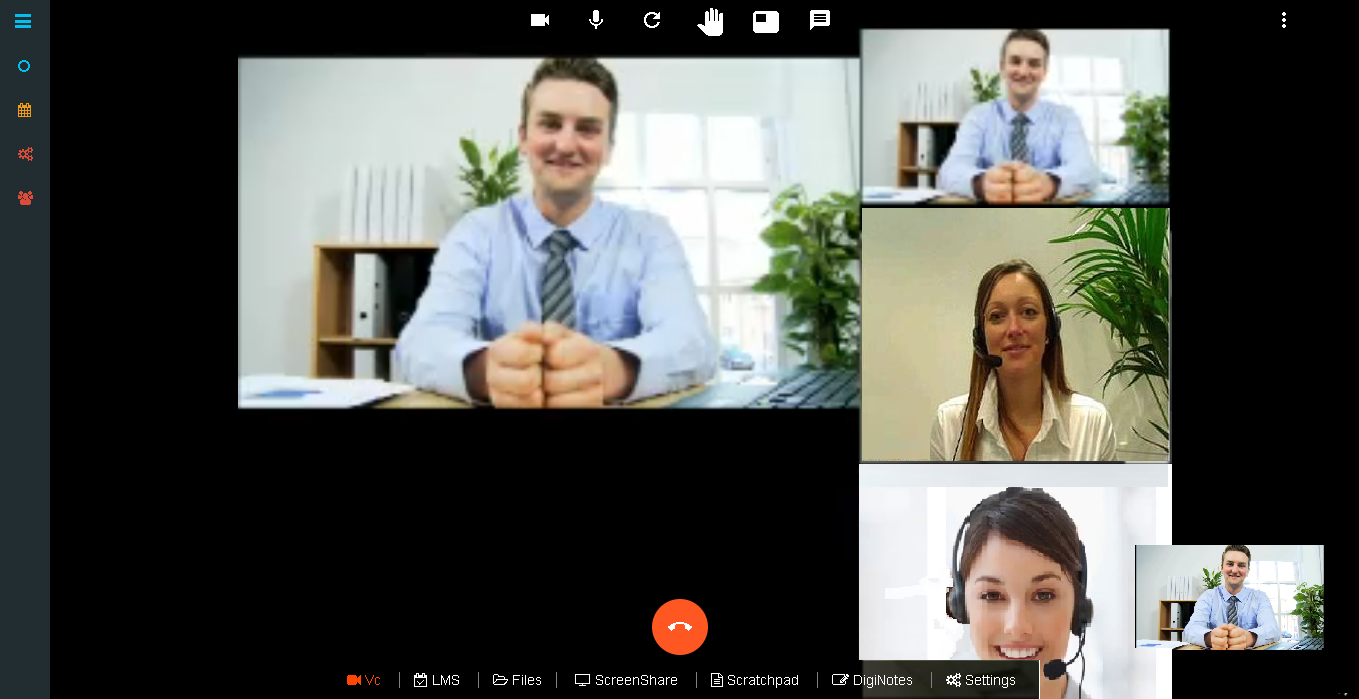
Meeting is going on.