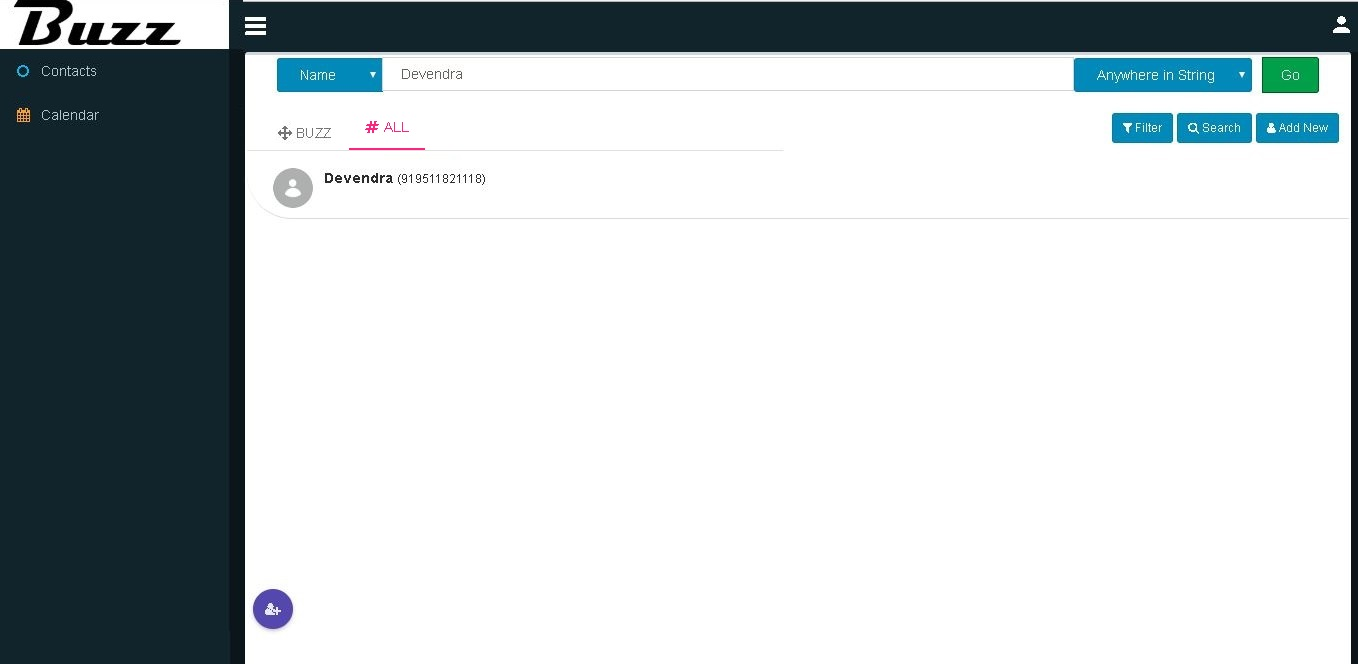
#ALL Tab .
User can see all contacts and groups in ‘#ALL’ tab
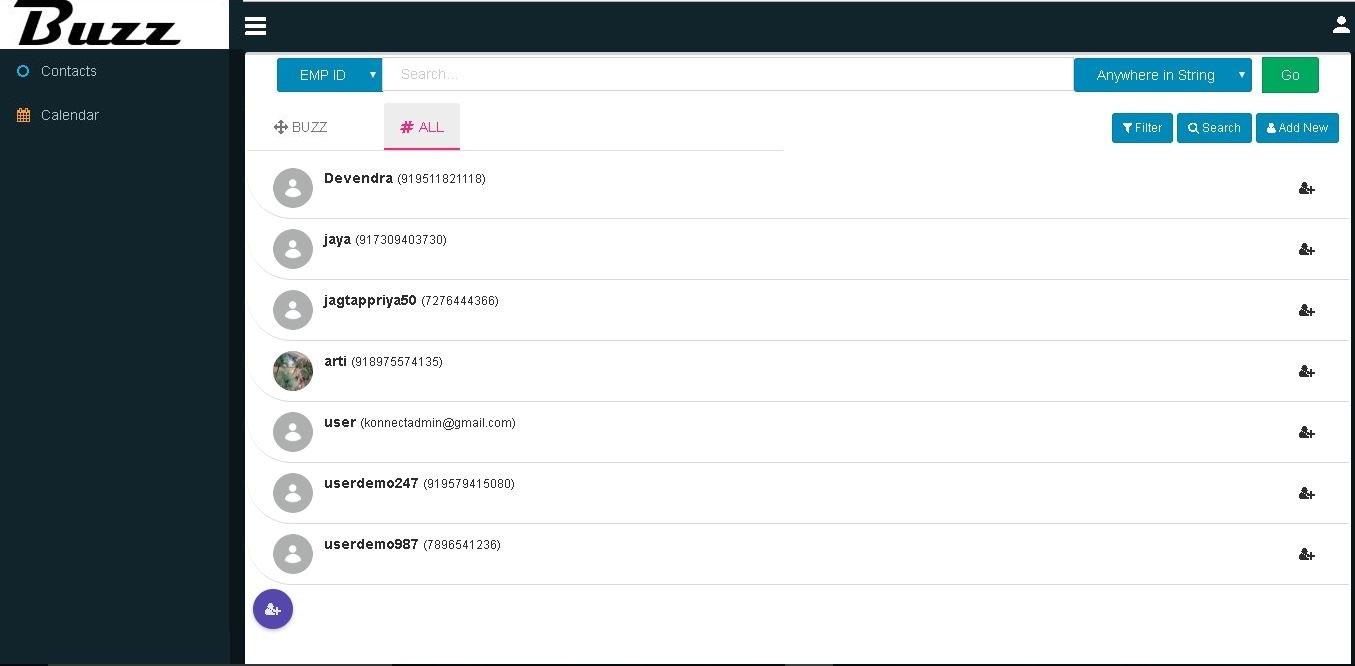
Add To Contact
User can add a contact to ‘BUZZ’ tab by clicking on ‘Add To Contact’ icon.

Click on ‘Add’ button to Add To Contact.

Added contact will be display in ‘BUZZ’ tab.

User can specify how to search contacts.

Select the criteria with you want to search desired contact.
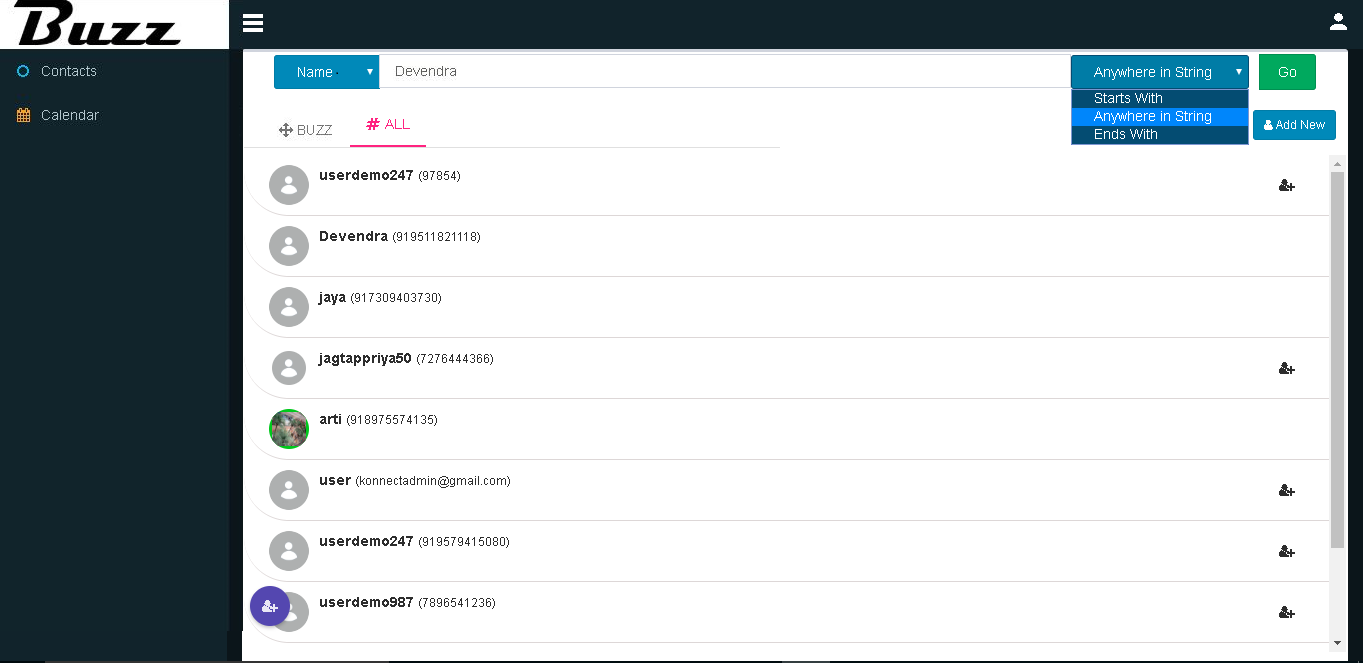
Search result.