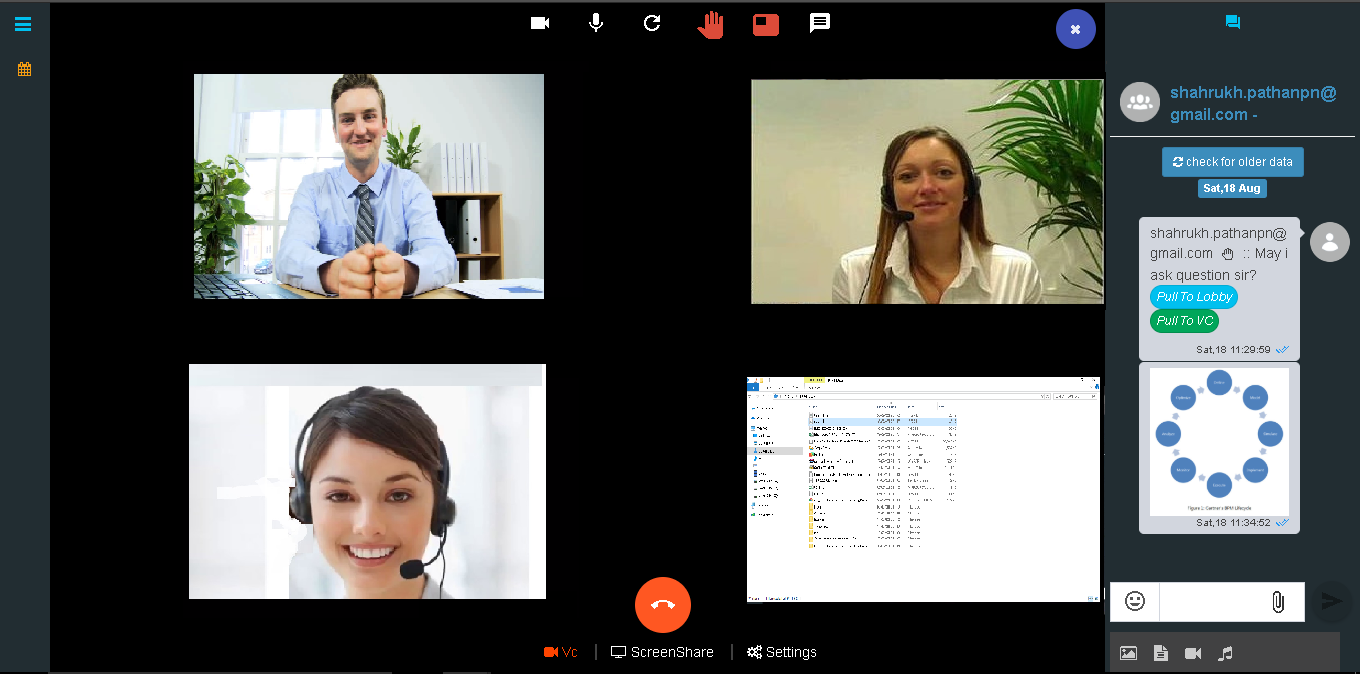
Schedule Interview
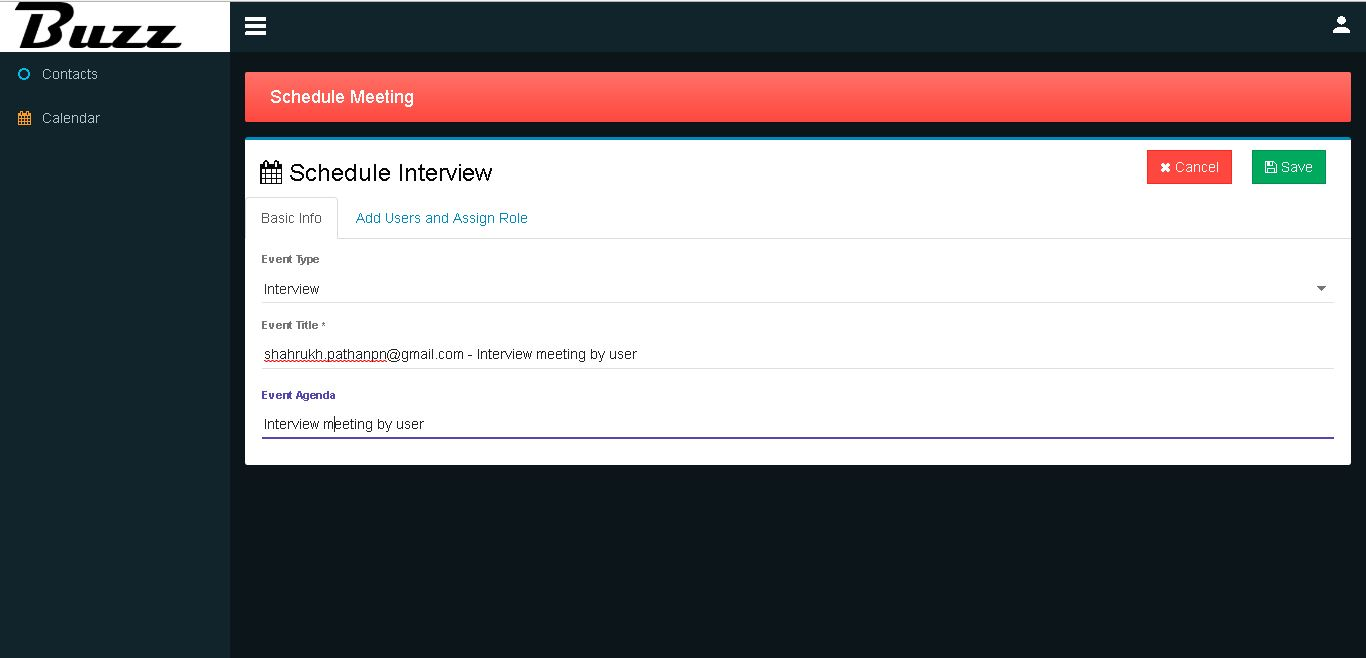
Select event type as ‘Interview’ and fill in relevant info.
Fill in candidate info.
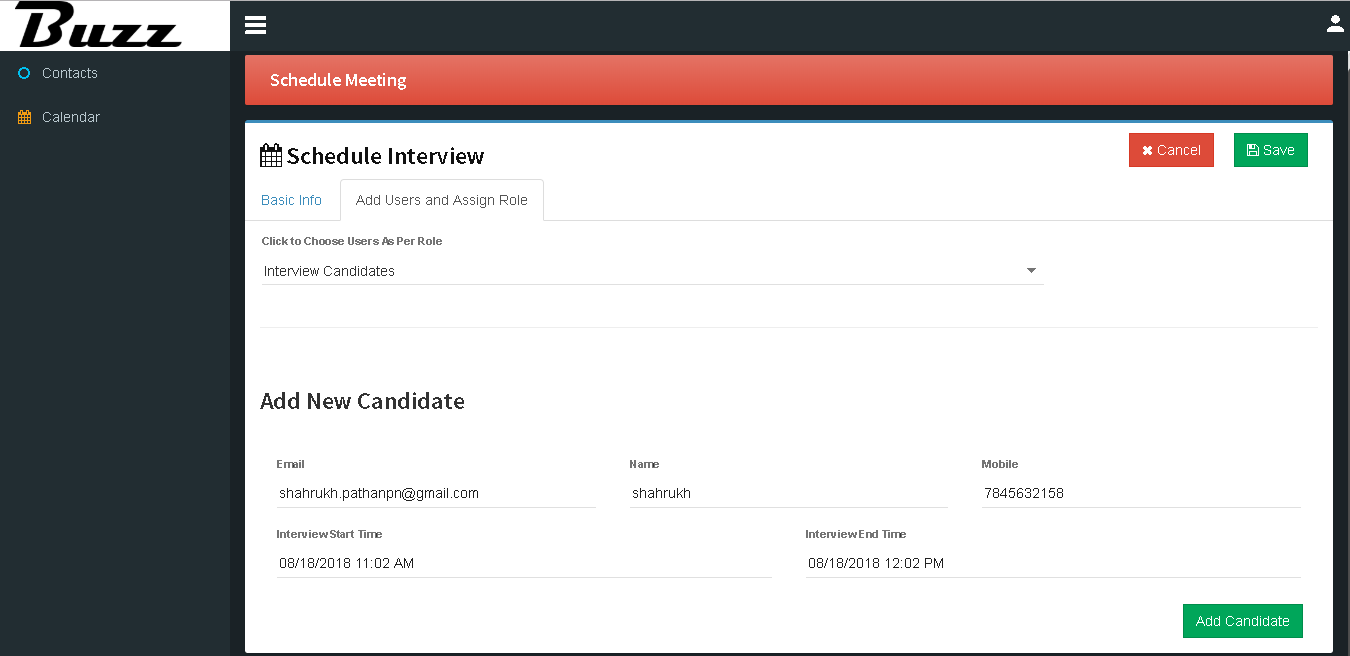
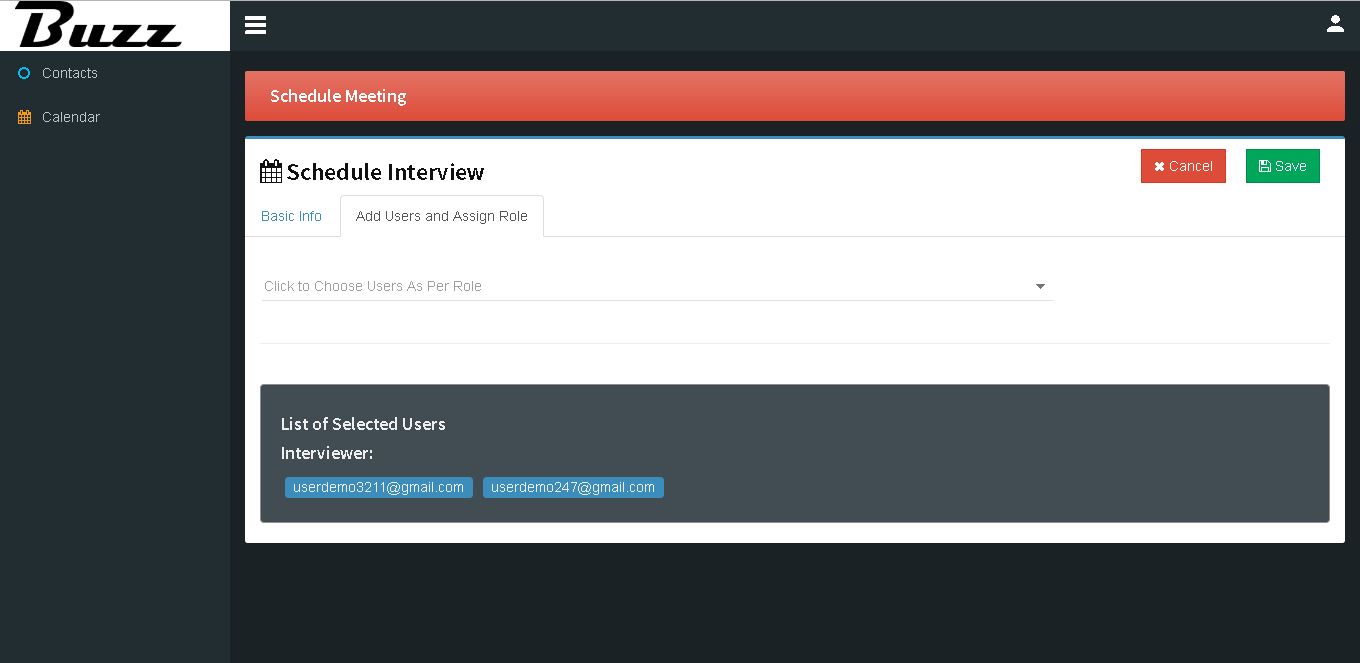
Select user as per role.
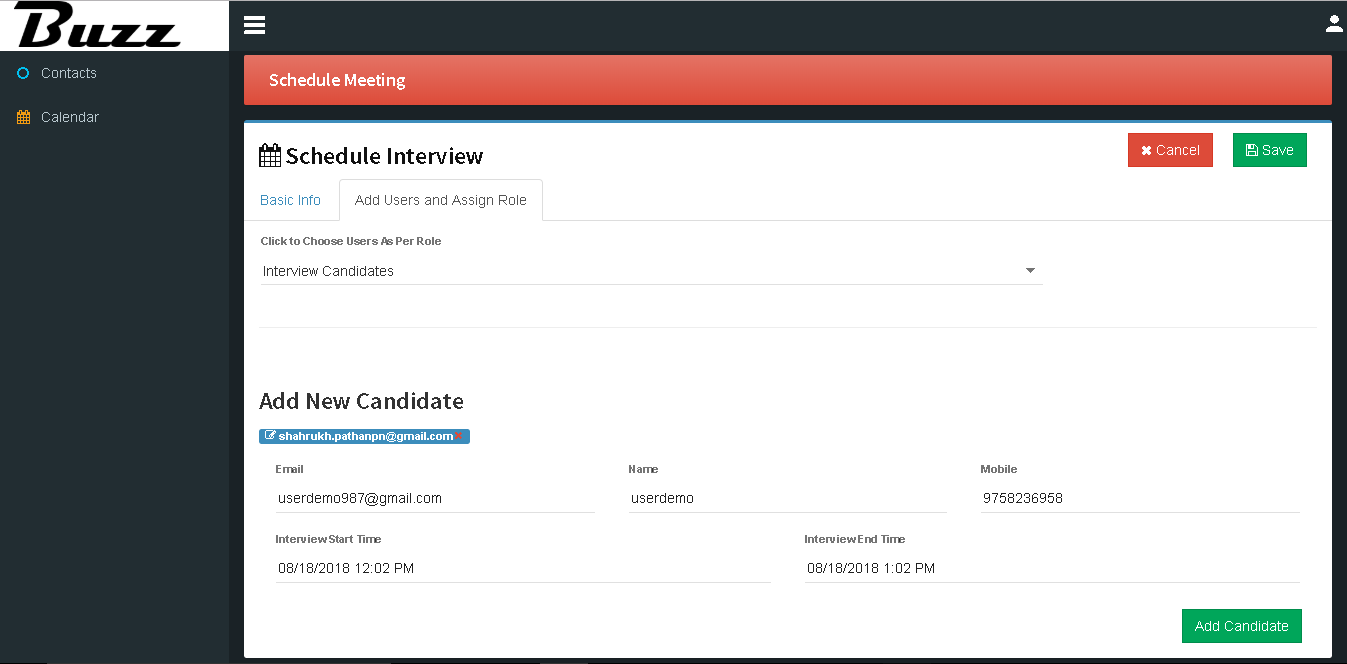
We can see list of Interviewer after adding and click on ‘Save’ button.
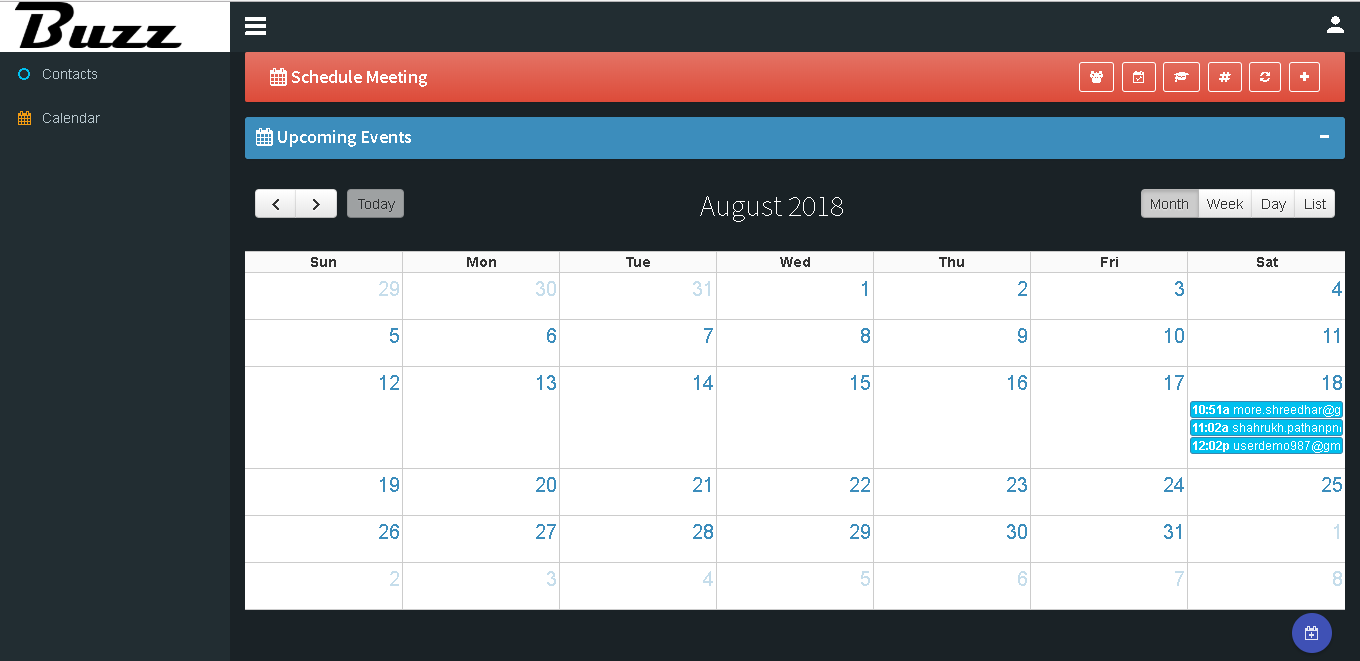
Relevant notification will display on calendar.
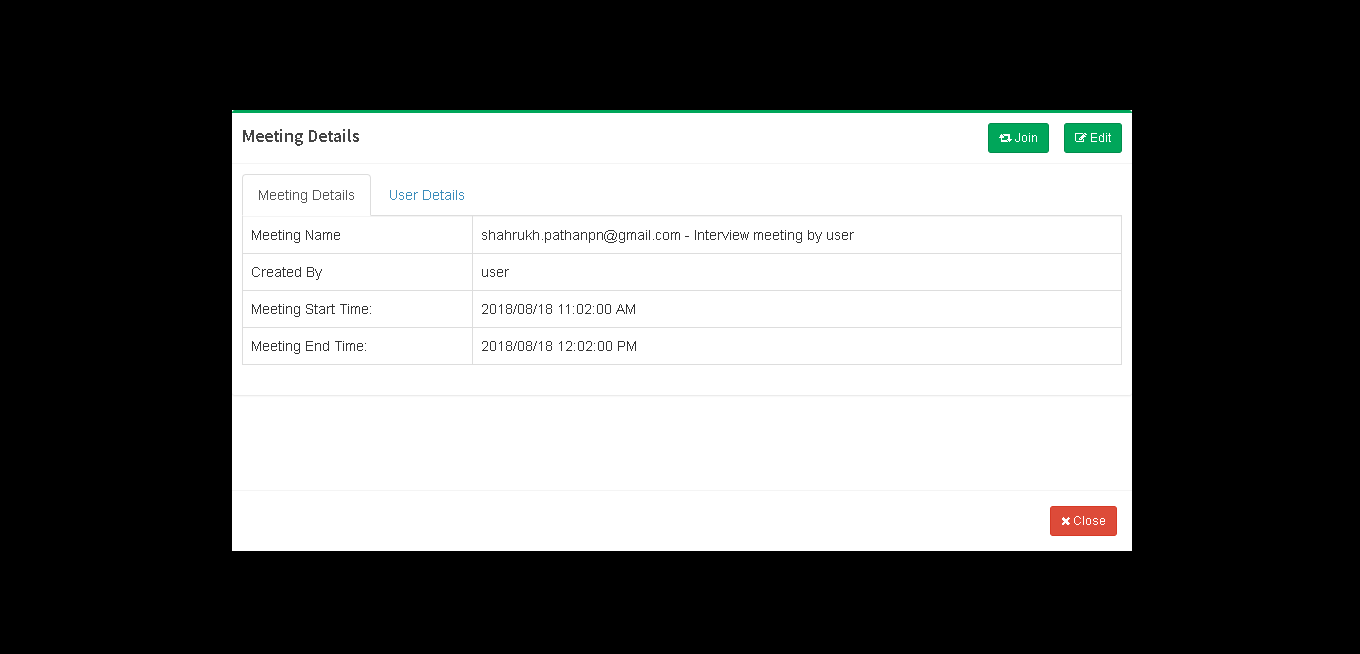
Click on notification we can see meeting details.
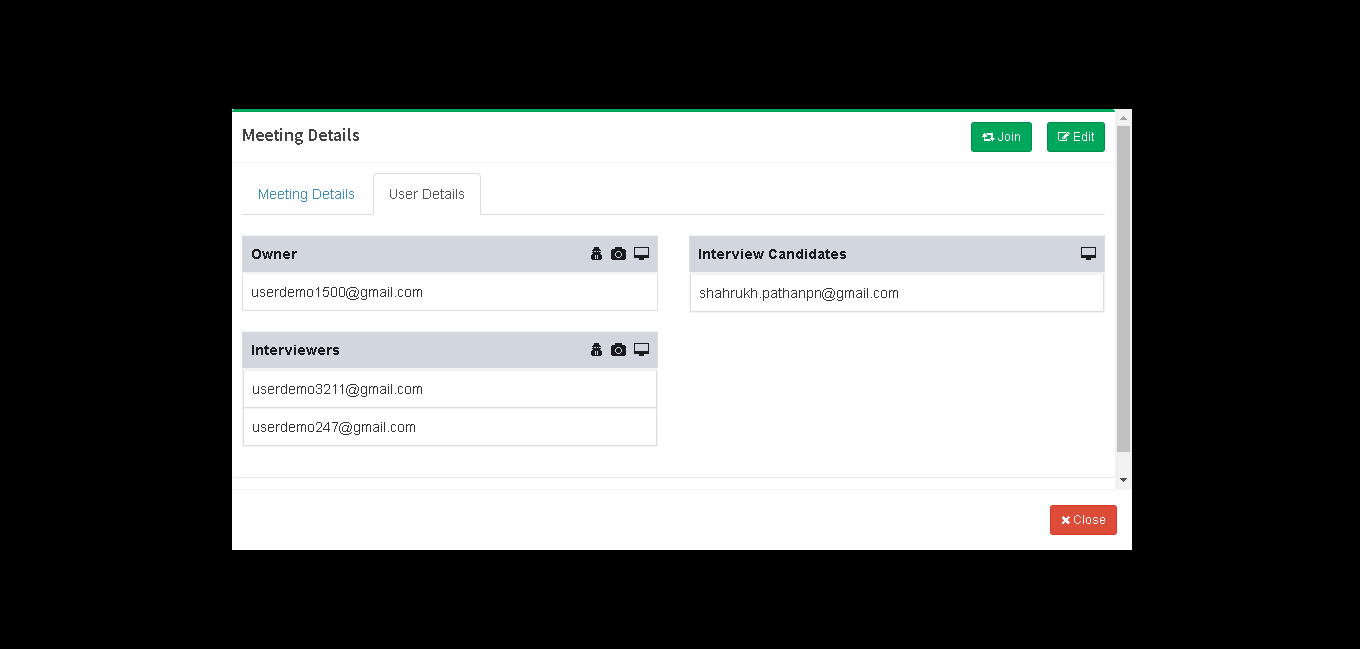
Click on ‘User Details’ tab to see Owner, Interview candidates, Interviewers to join Interview click on ‘Join’ button.
Click on ‘Call’ icon to start event.
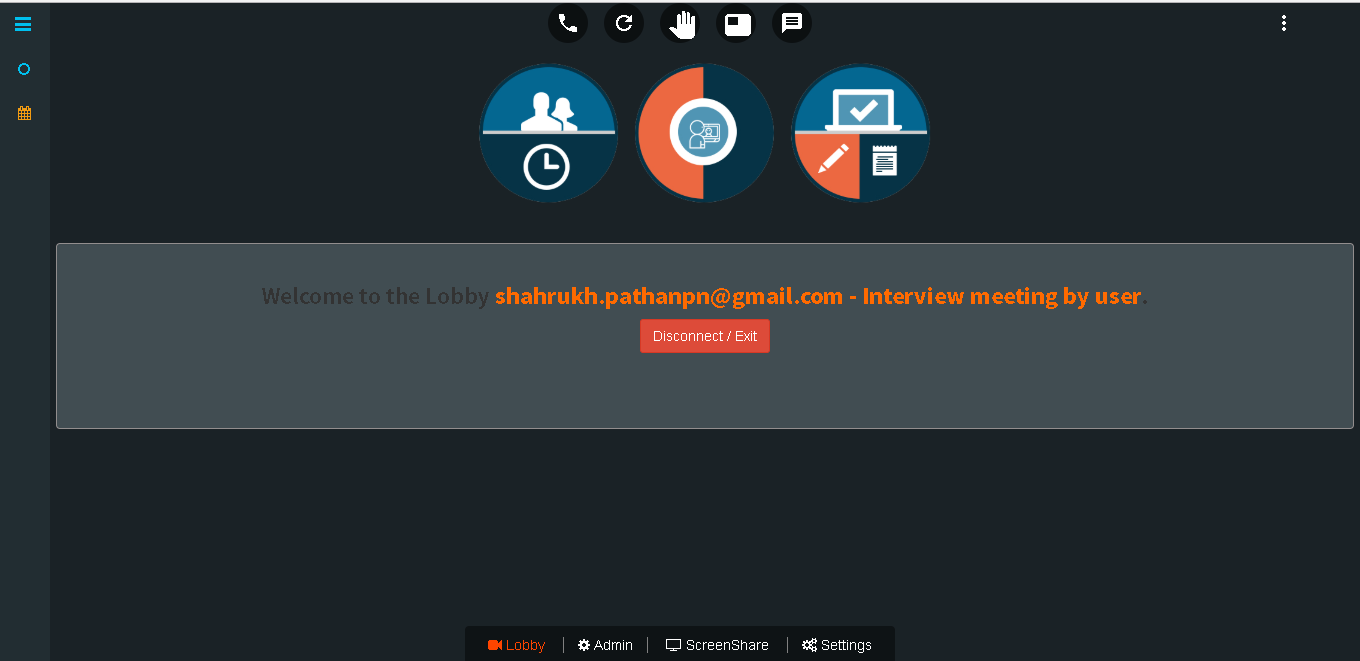
Candidate connected for interview.
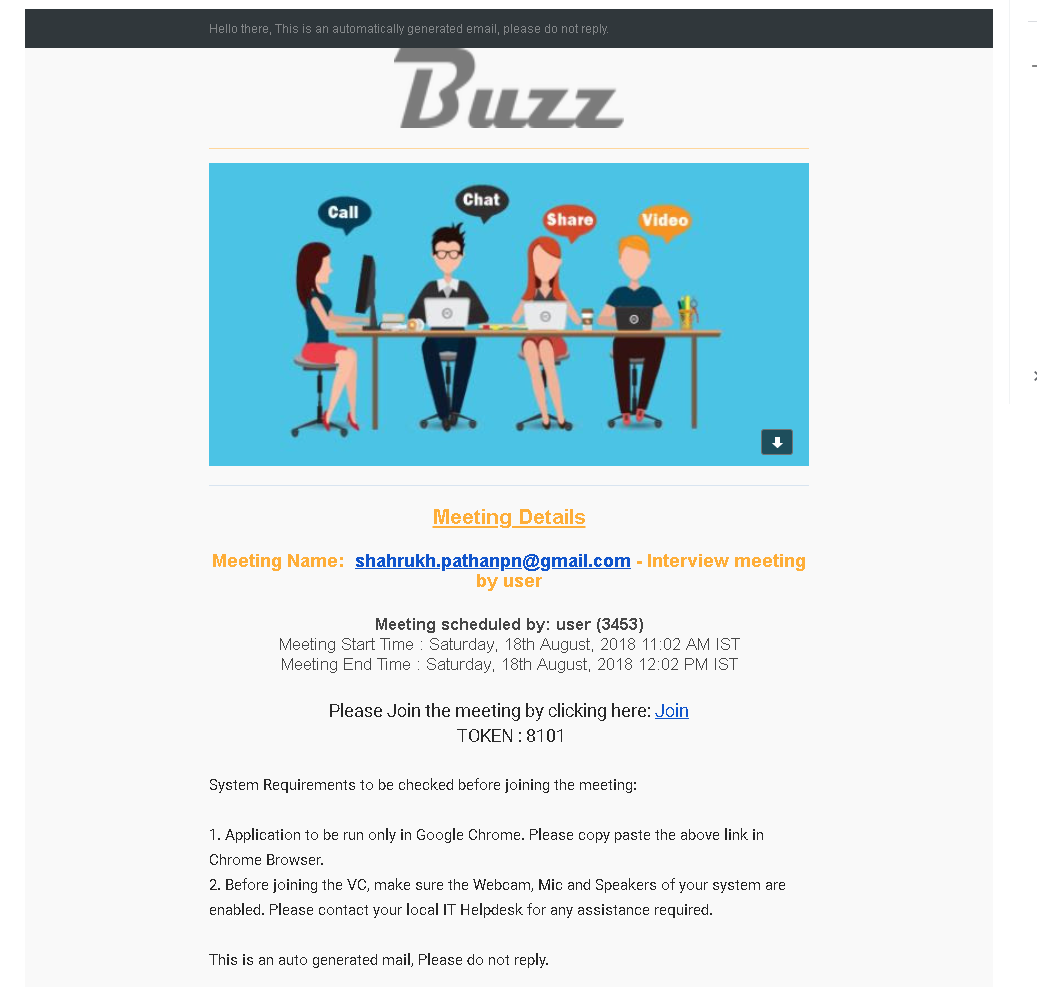
we get a notification on our email for upcoming events.
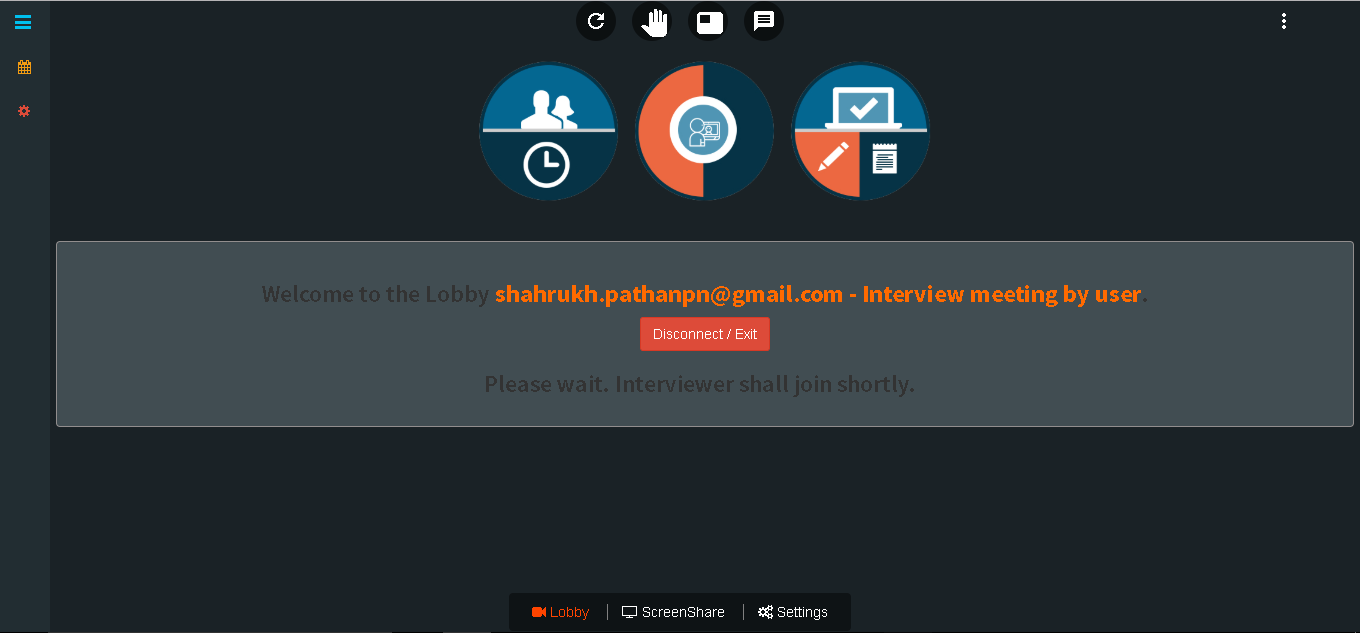
Candidate now waiting for interviewer to join interview.
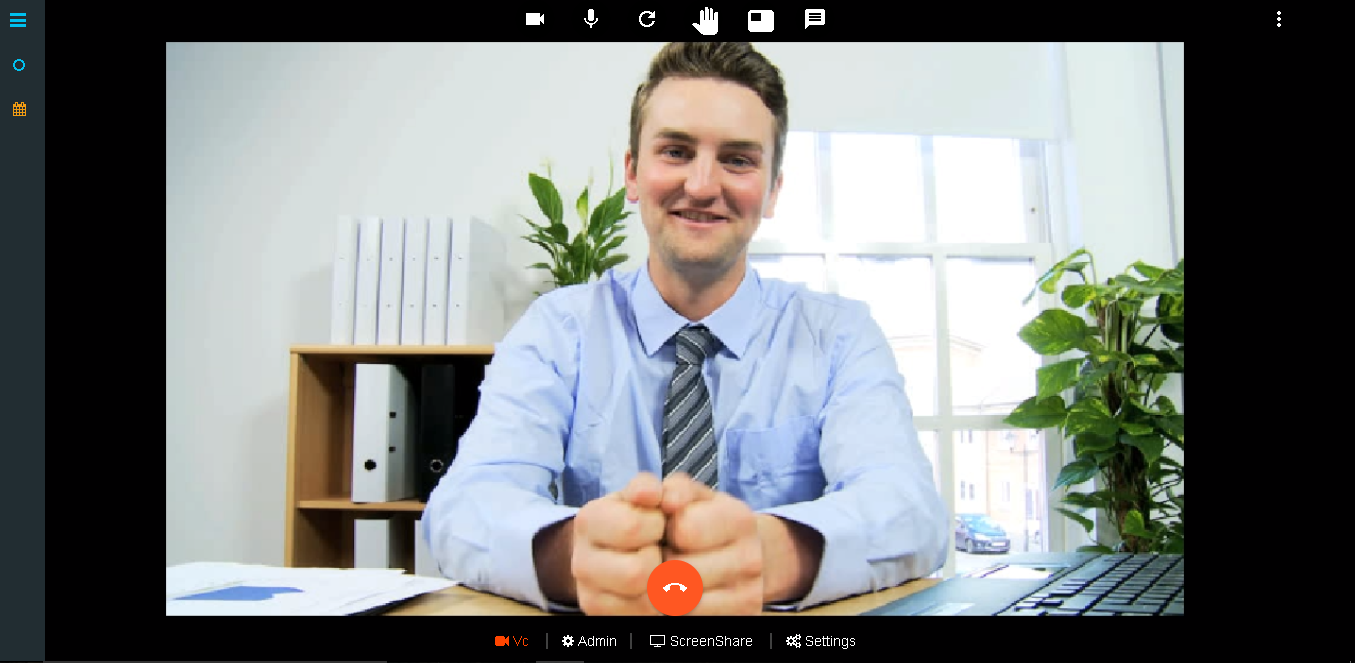
Admin / Interviewer now turn ON the VC to start interview.
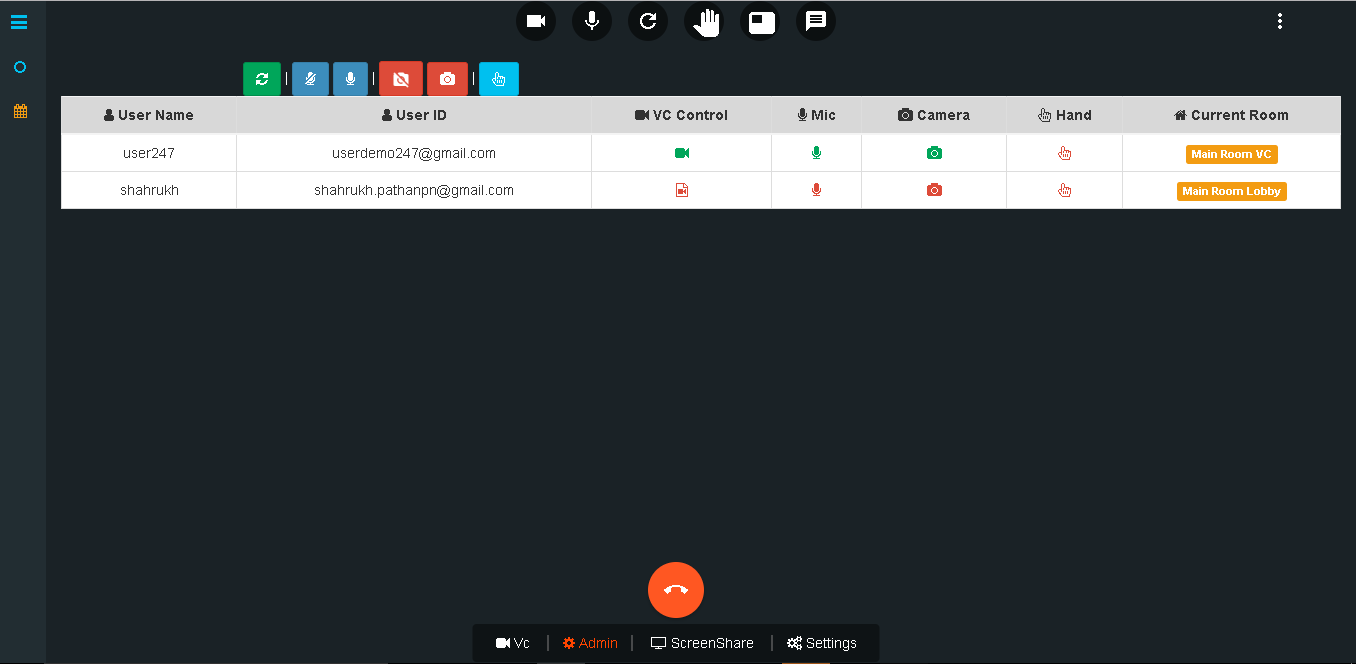
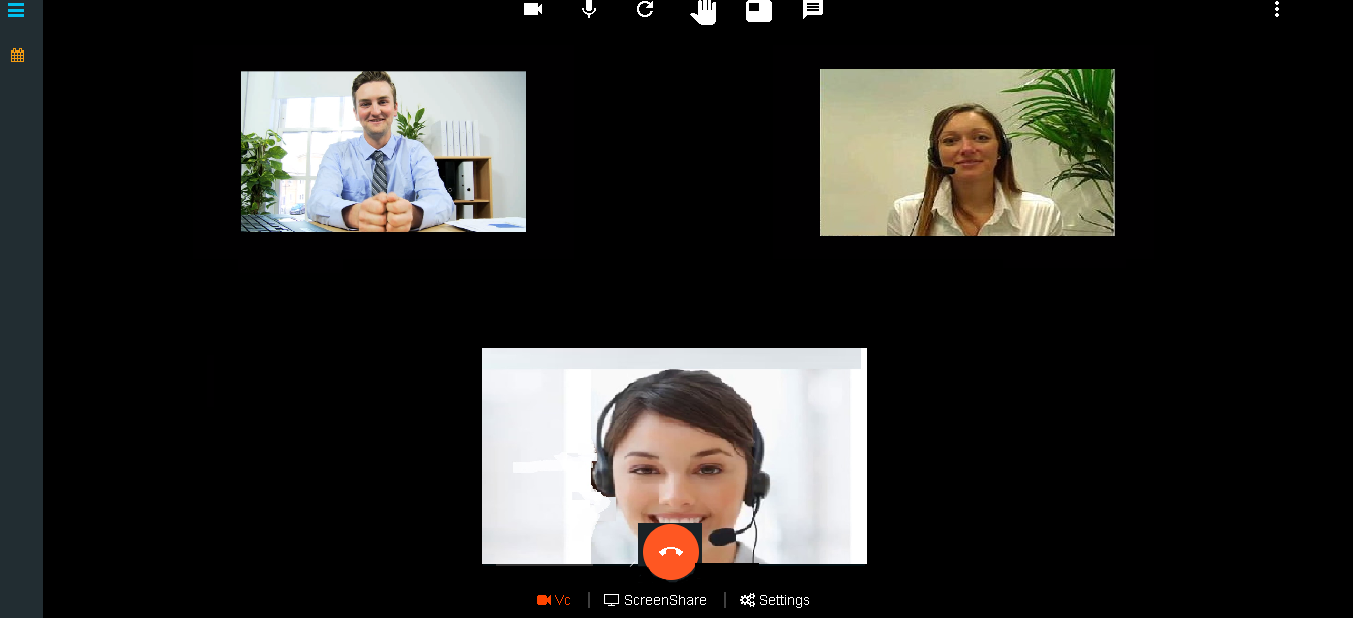
Interview started.
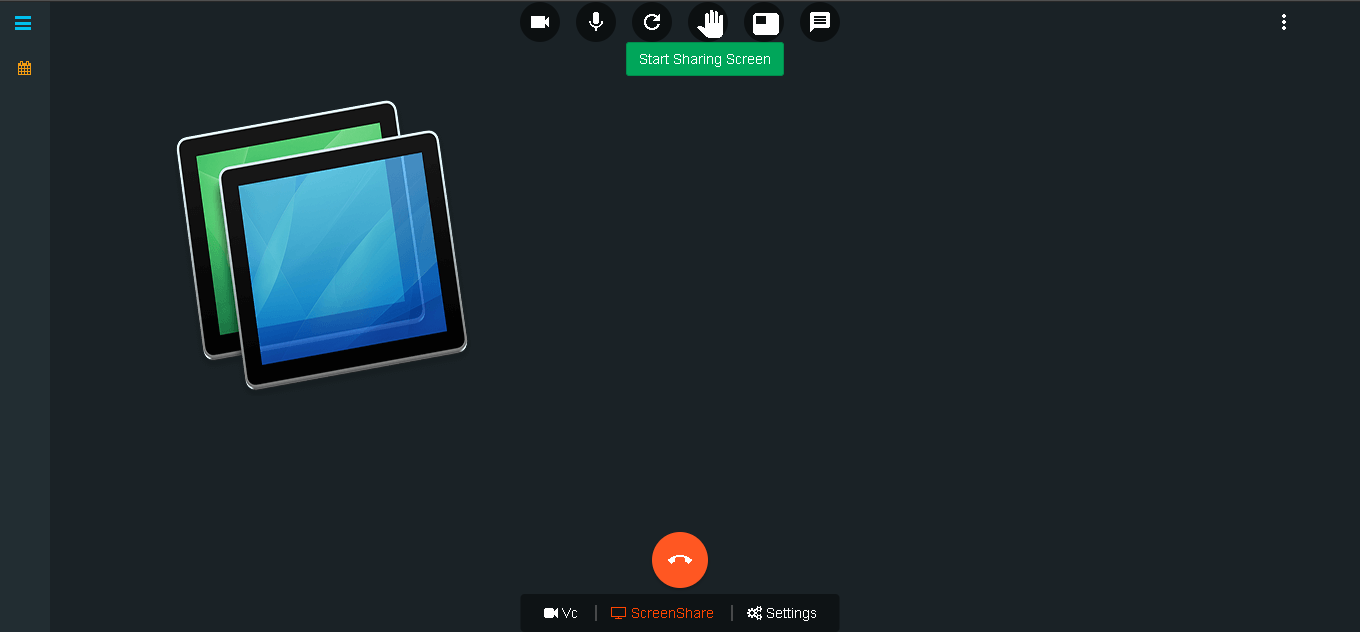
Click on ‘ScreenShare’ to share our PC screen.
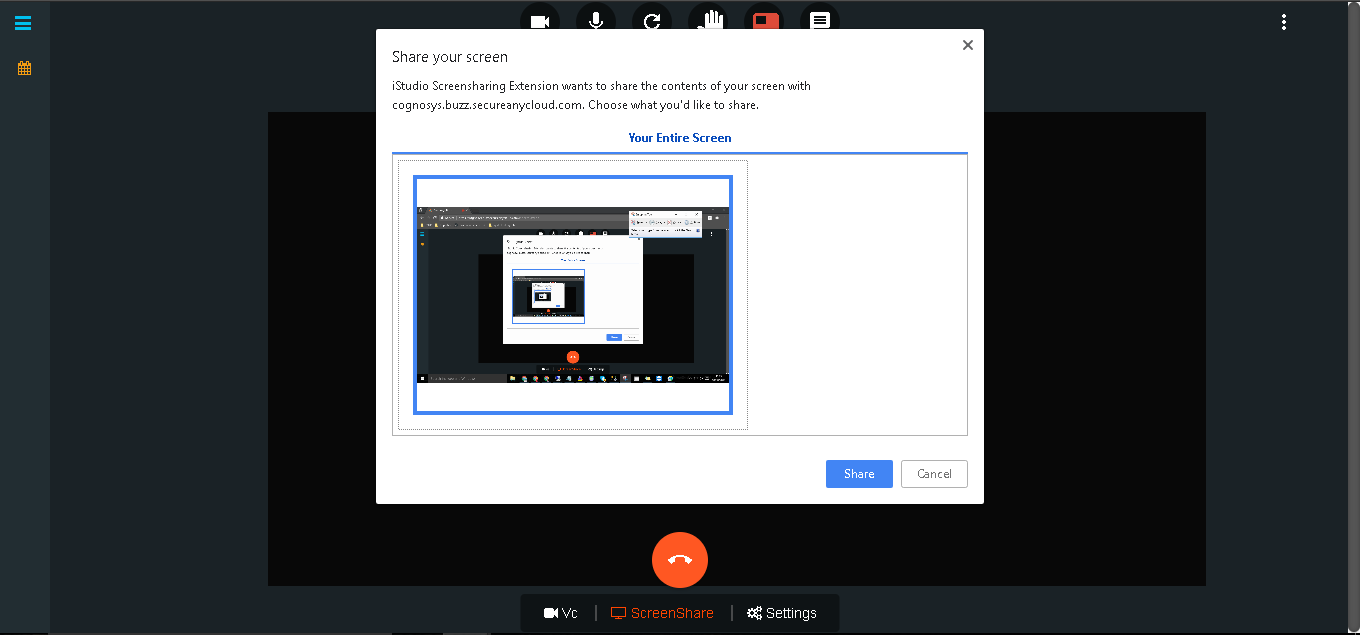
Click on ‘Share’ button to start sharing entire screen.
Click on ‘Raise Hand’ icon to ask a question.
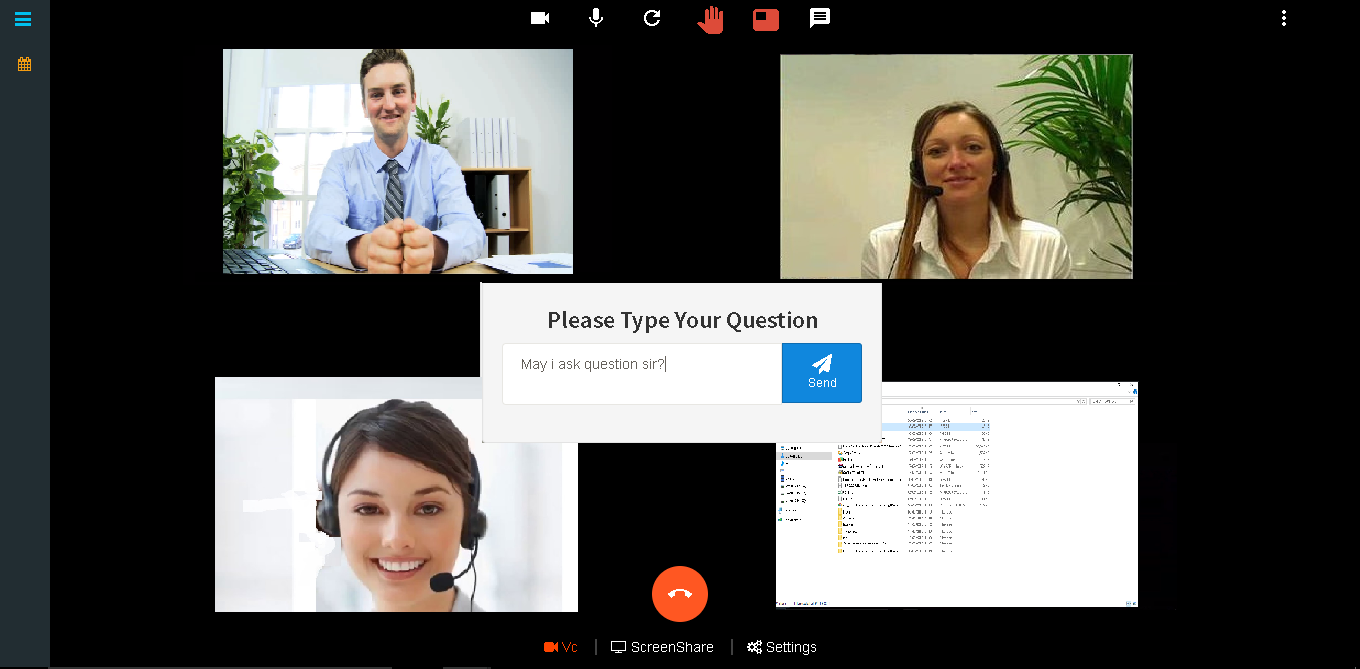
After question is asked it will be display at left side of window.
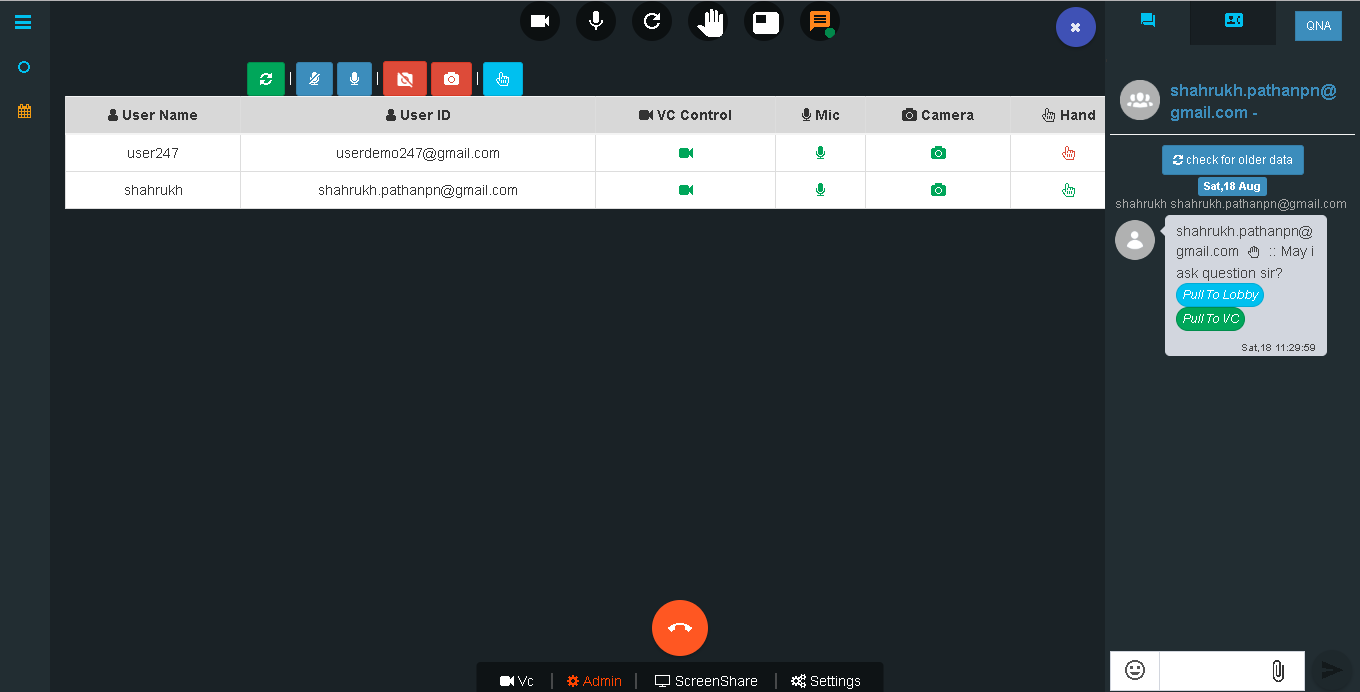
We can also share images or any other documents during event.